Skip to content


"Excelente calidad"
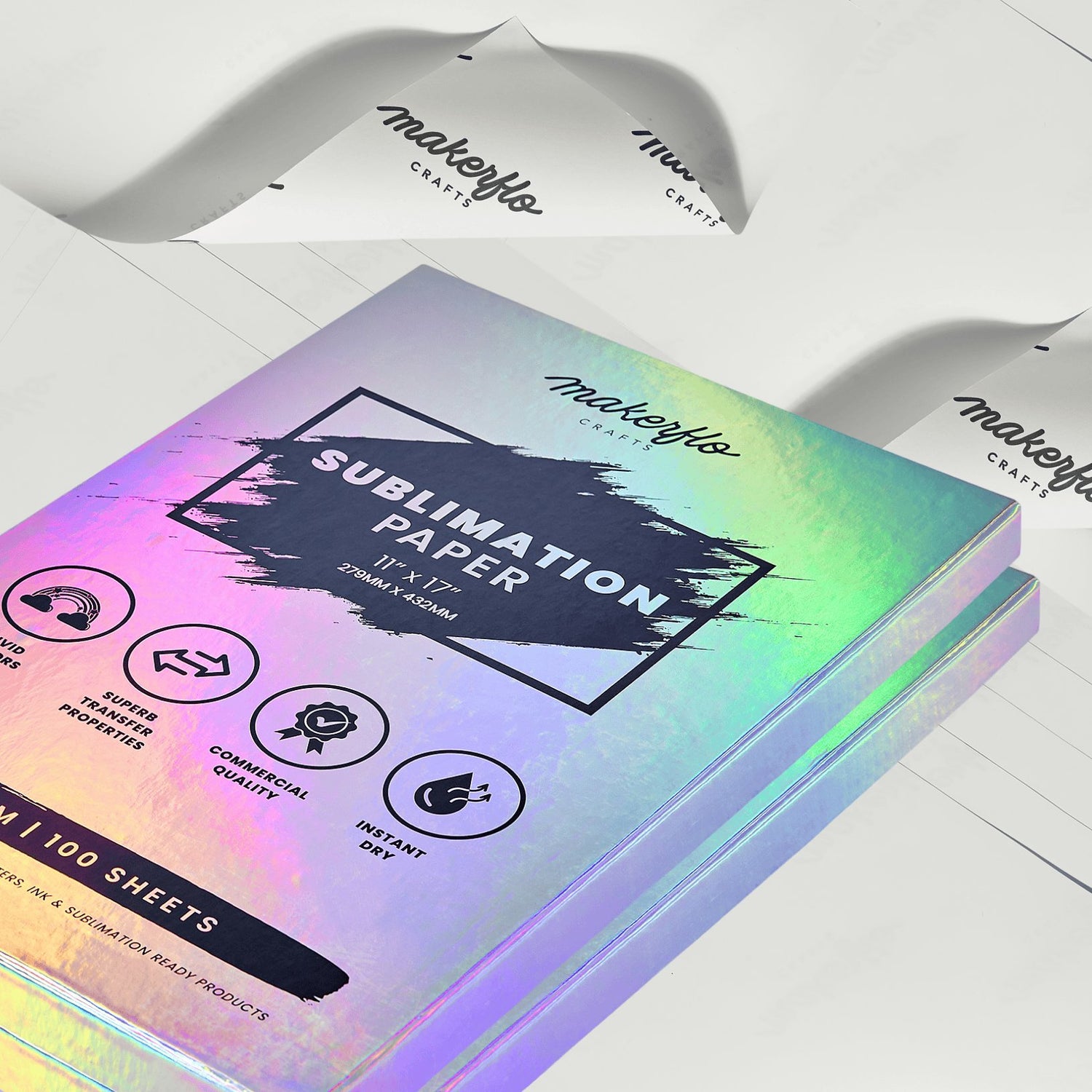
MakerFlo Sublimation Paper
MakerFlo Sublimation Paper
10% off when you add 10 or more to your cart.
Regular price
$14.95
$14.95
Sale price
$14.95
Regular price
$14.95
Unit price
per
Shipping calculated at checkout.
465 in stock
Sold Out - Sign up for Restock Dates Get Alerts
Couldn't load pickup availability
Orders $99+ Ship Free • 30-Day Returns
Maker & Seller Resources
You May Also Like

Sublimation Tumbler 10 Pack
$83.70
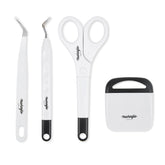
Crafting Tool Kit - 4pcs
$7.95
Details
Details
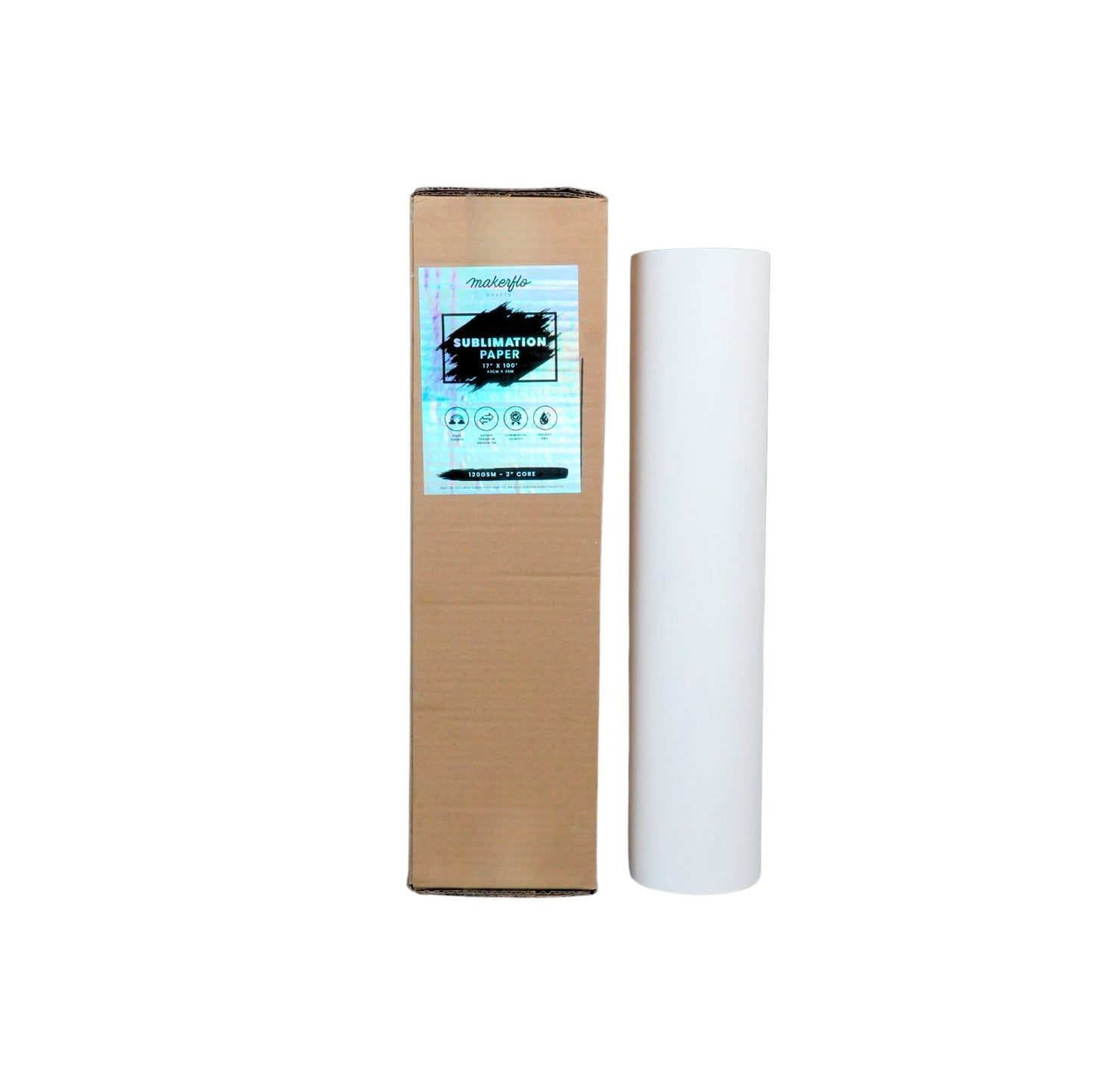
Sublimation Paper 120GSM
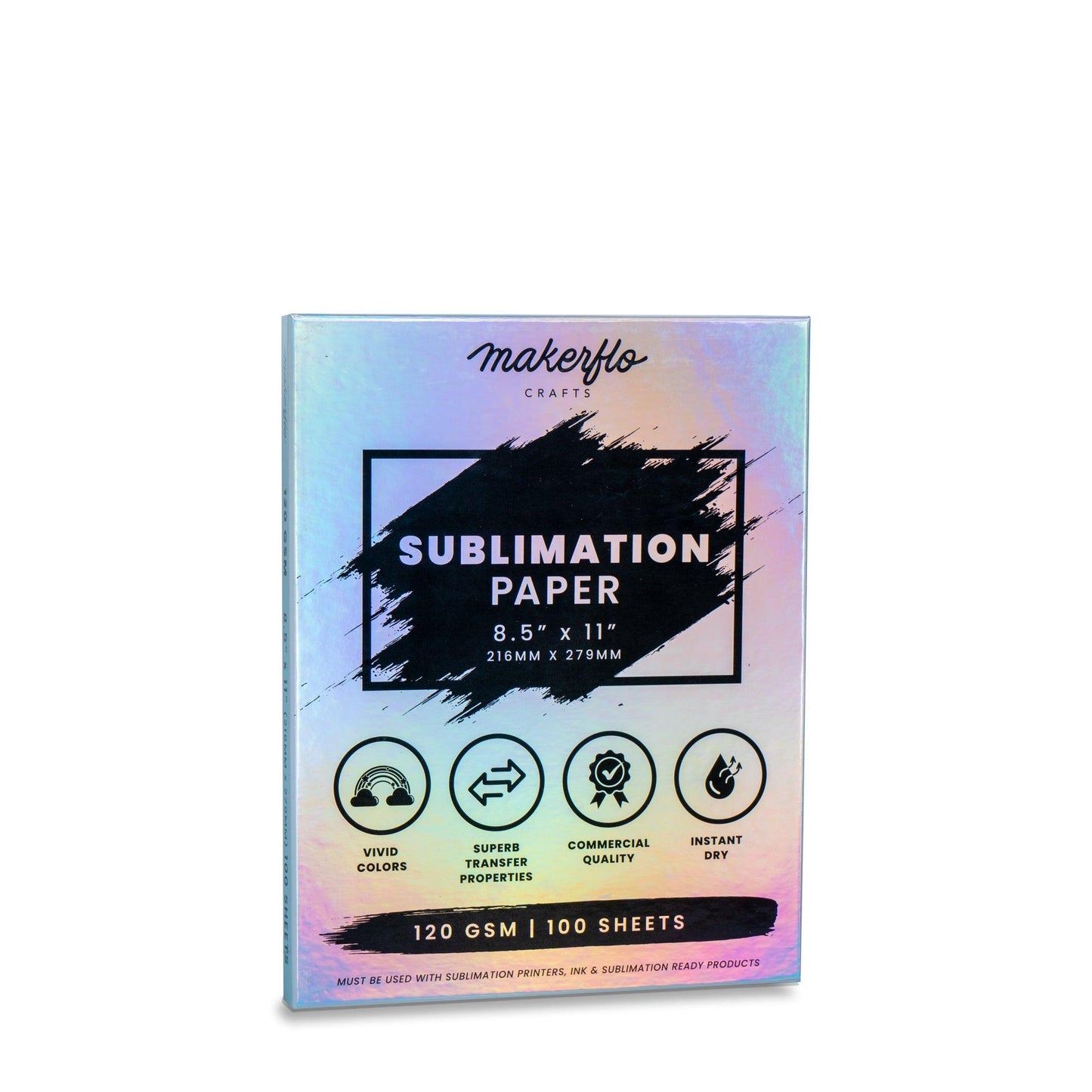
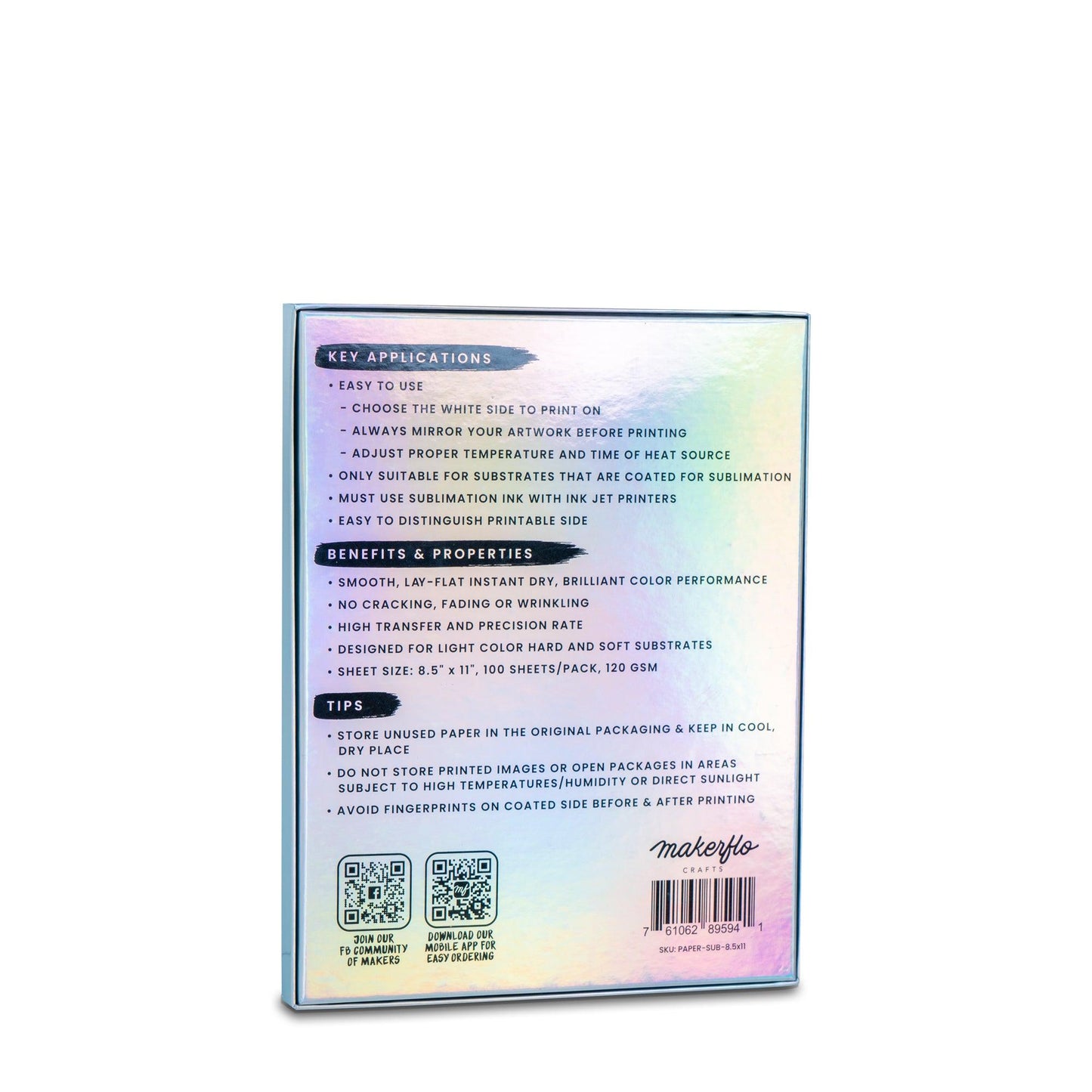
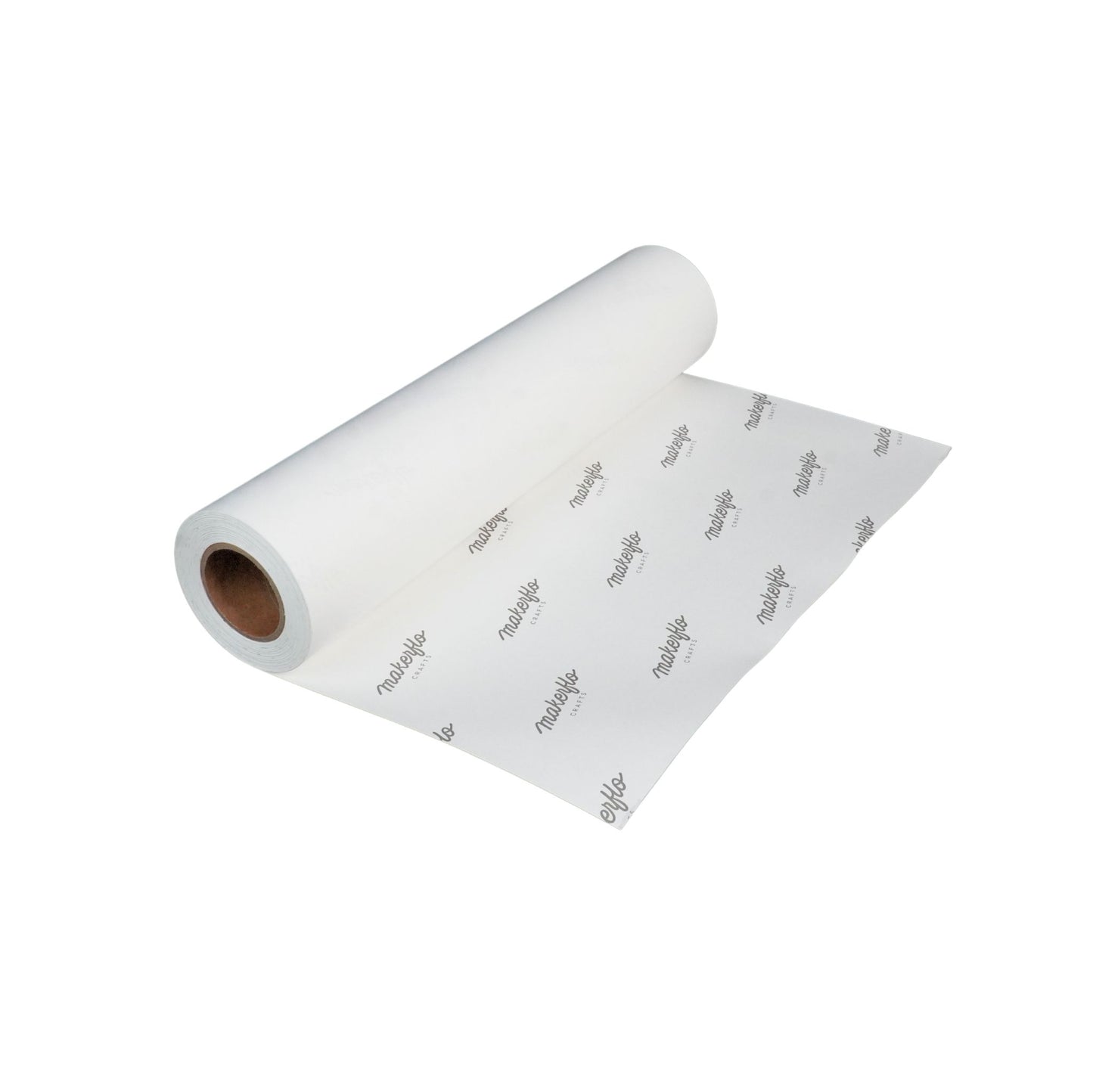
Elevate your sublimation game with MakerFlo Sublimation Transfer Paper 120GSM. Achieve stunning, high-quality transfers with MakerFlo's premium sublimation paper, designed for smooth, lay-flat performance, instant drying, and brilliant color output—without cracking, fading, or wrinkling.
Ideal for light-colored, sublimation-coated hard and soft substrates, this paper offers high transfer accuracy, is easy to use, and works exclusively with sublimation ink and compatible printers.
Technical Specifications
- Paper Weight: 120GSM (all sheets and rolls)
- Coating: Single-sided coating
- Drying: Fast-drying
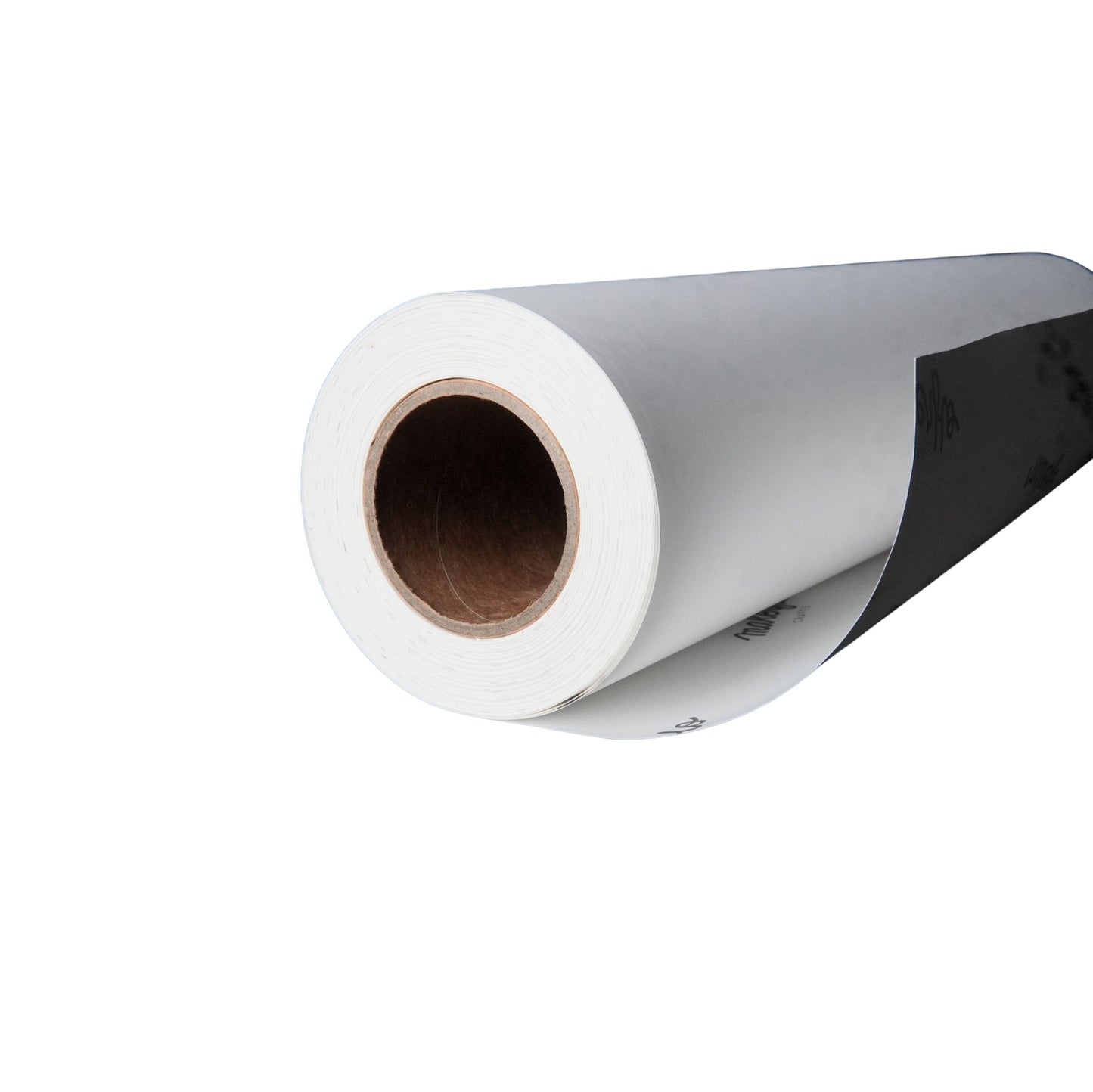
- Core Size: 2 inch (rolls only)
- Quantity: 100 sheets per pack
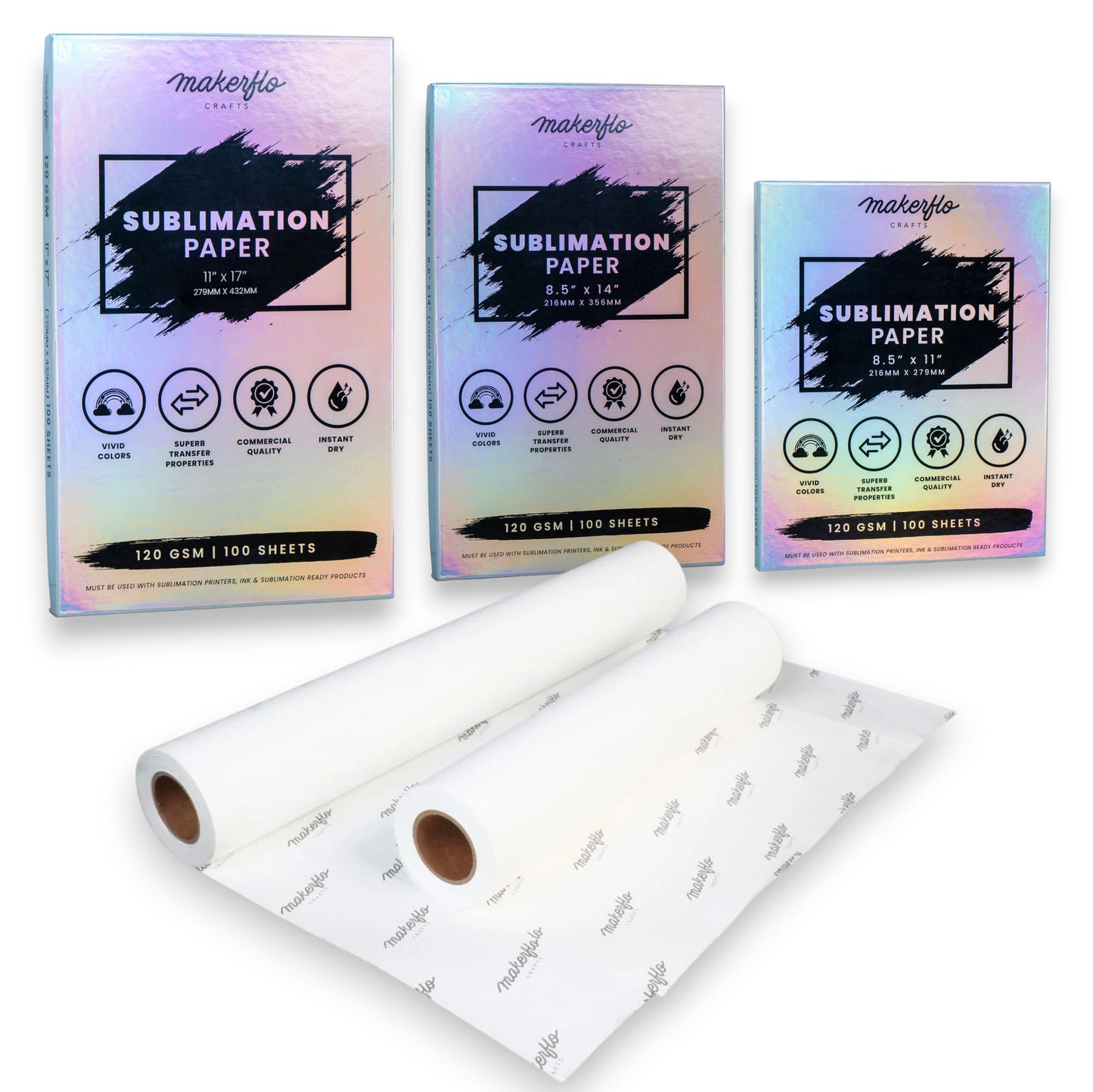
Sublimation Paper Sheets (100 sheets/pack):
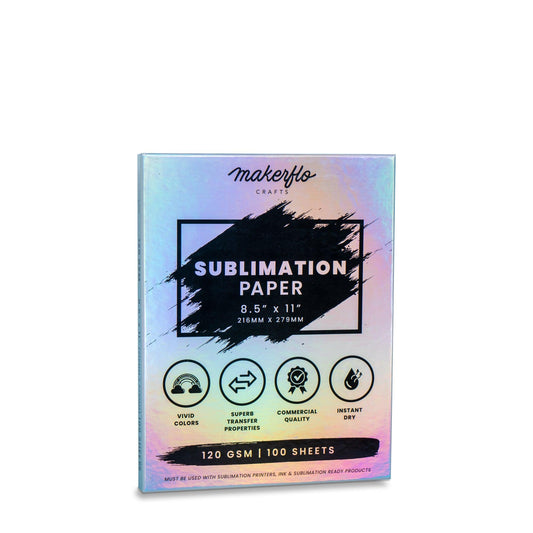
- 8.5" x 11" - For small transfers
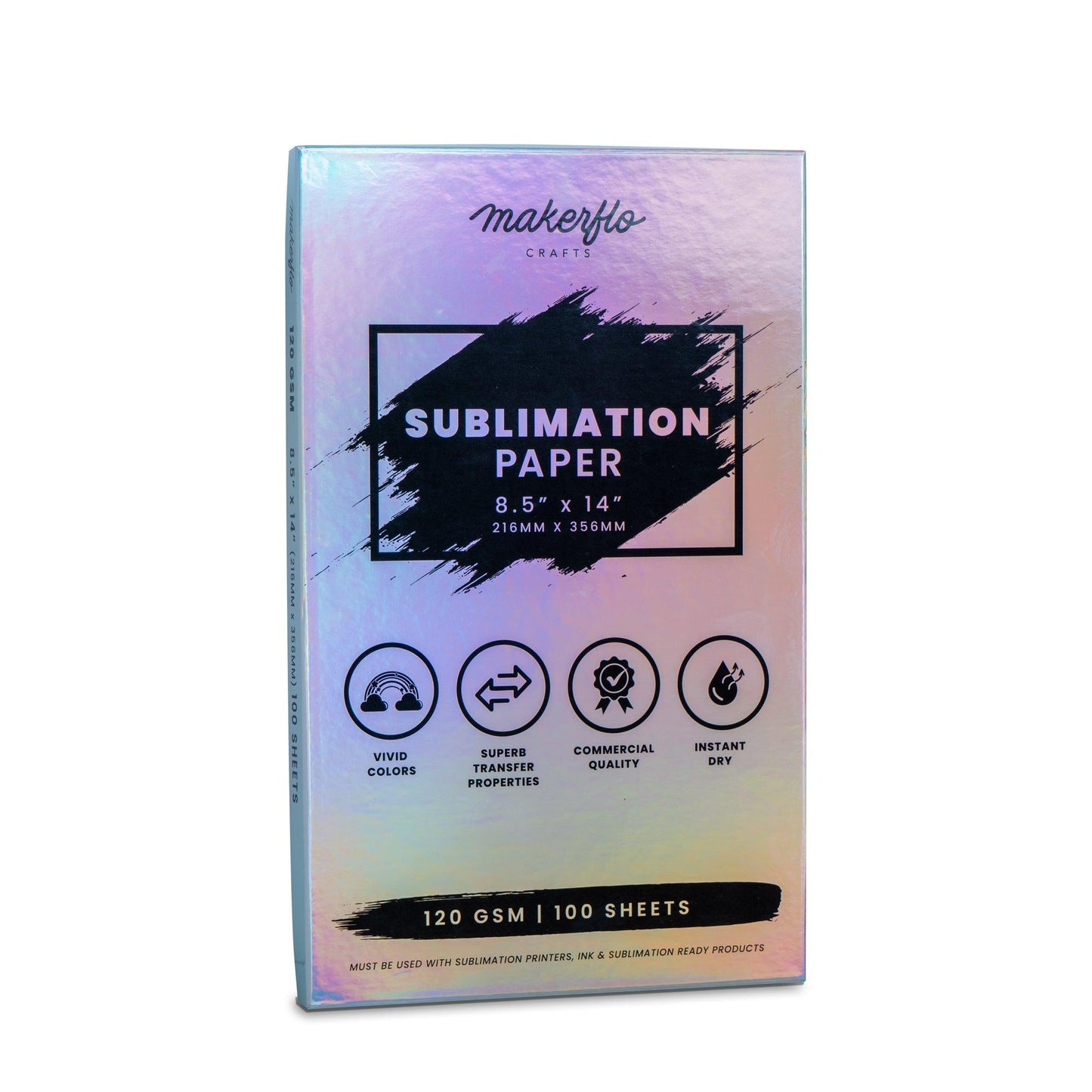
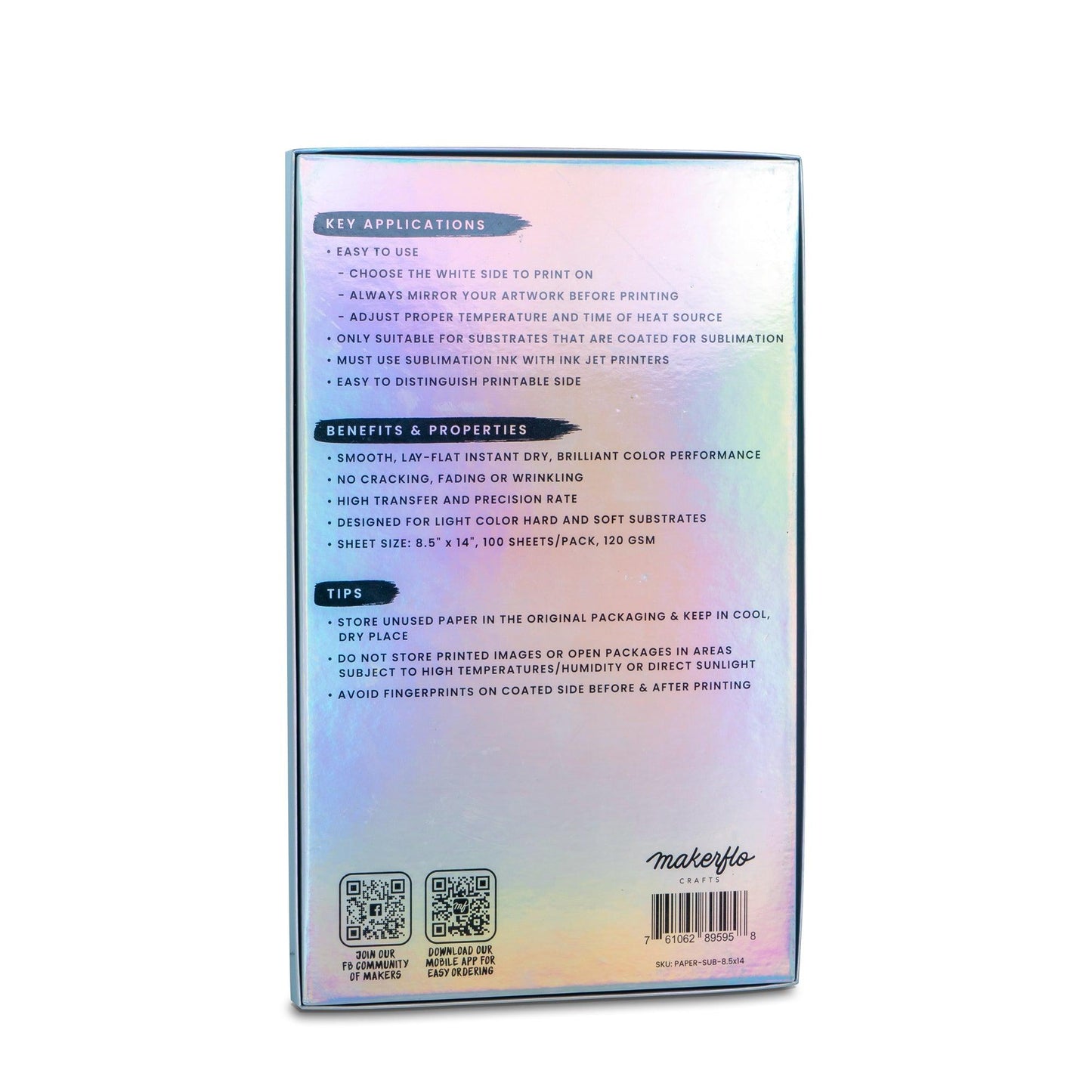
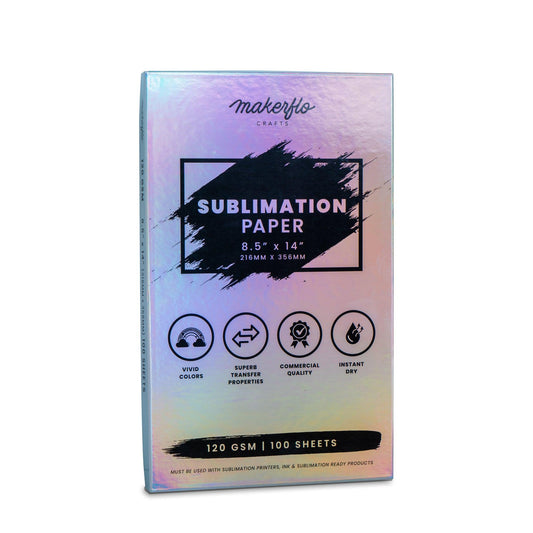
- 8.5" x 14" - For longer designs
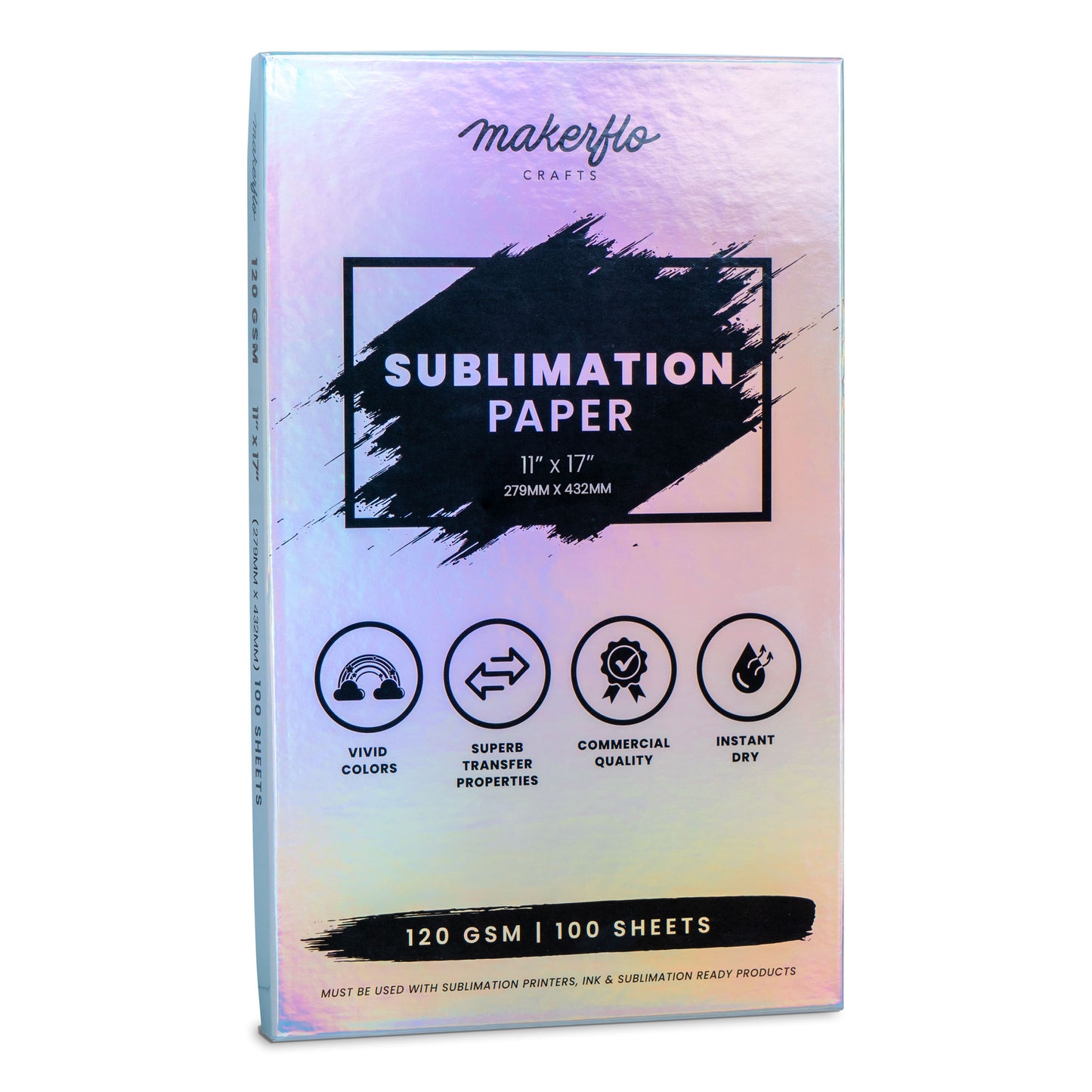
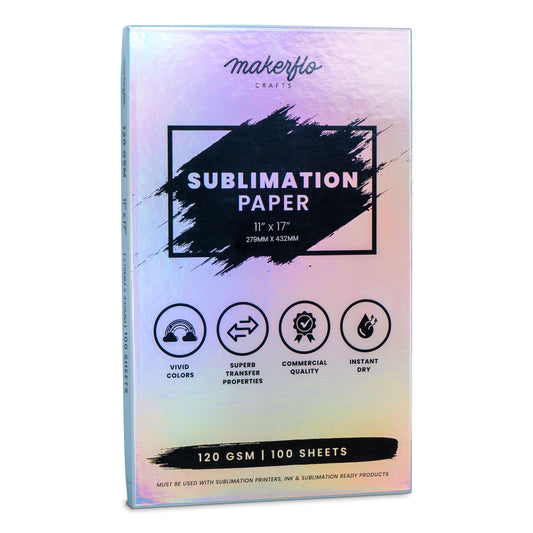
- 11" x 17" - For larger items
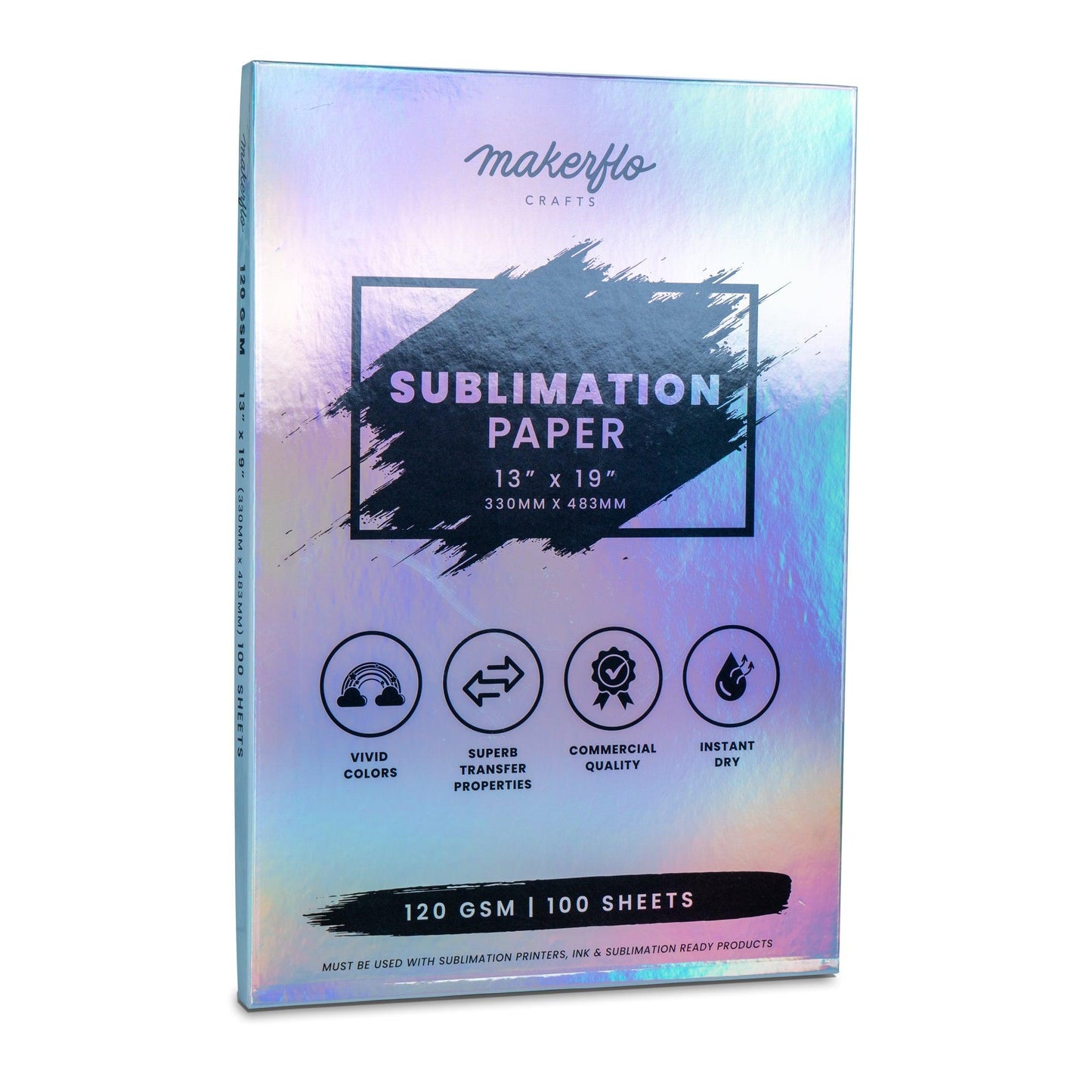
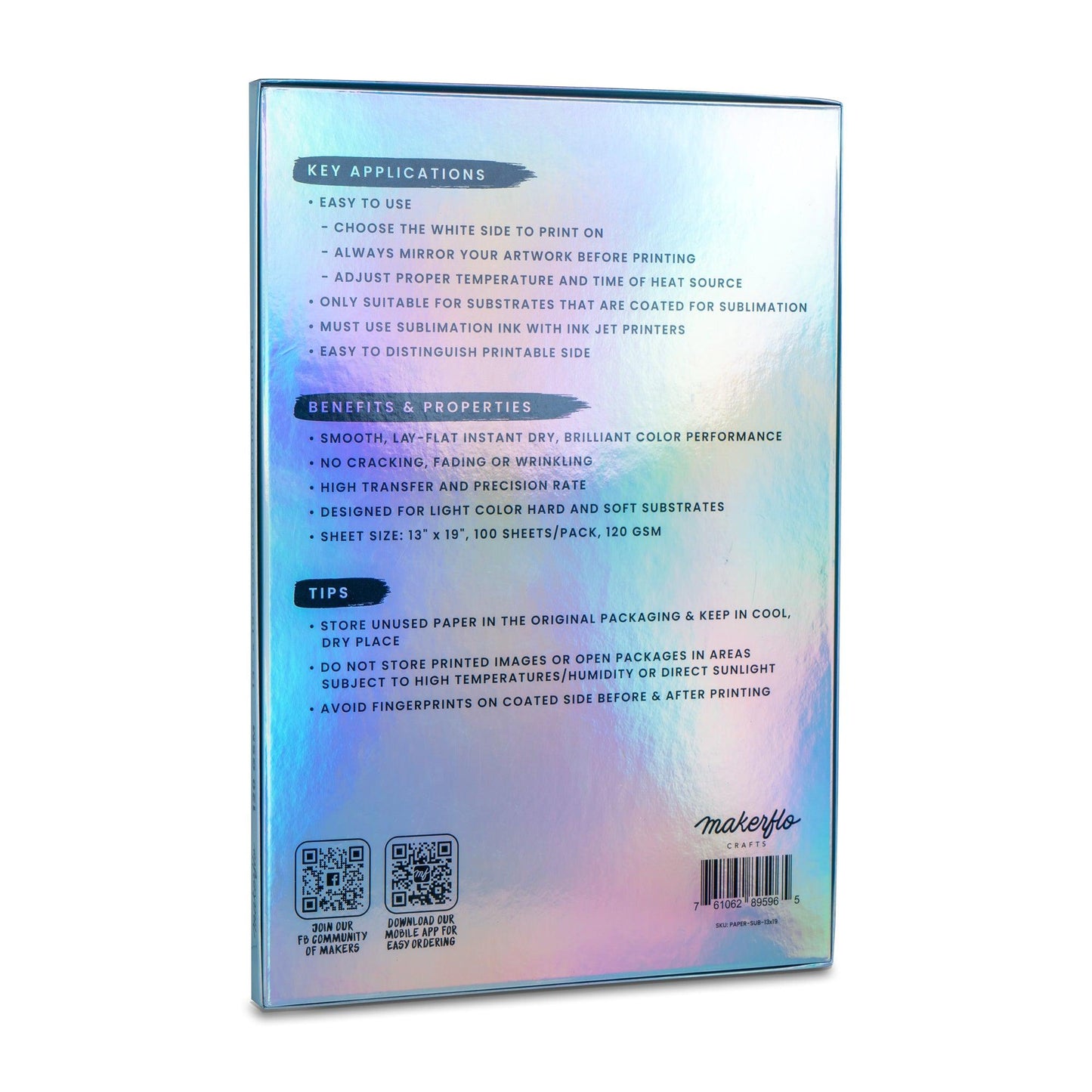
- 13" x 19" - For oversized projects
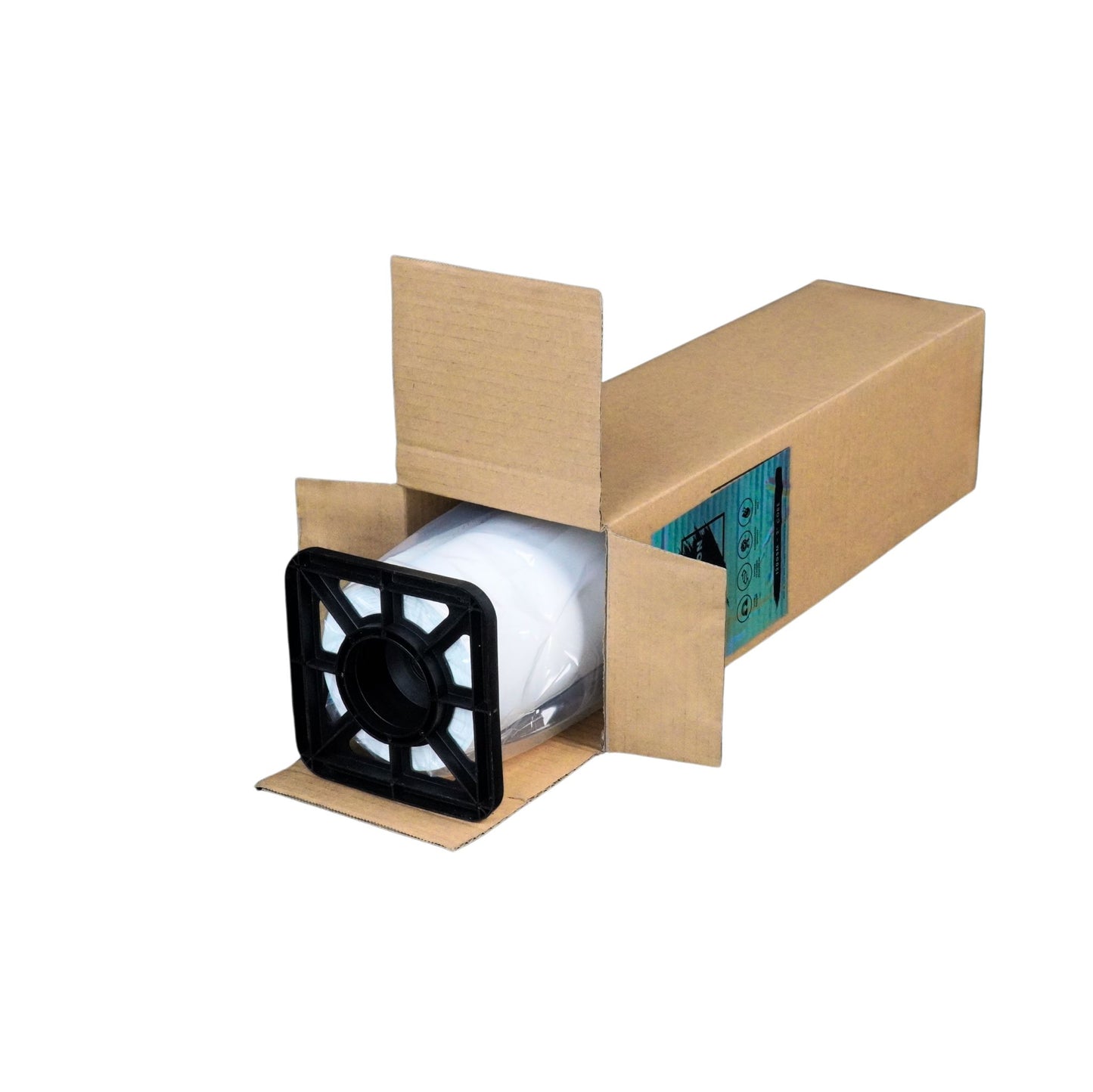
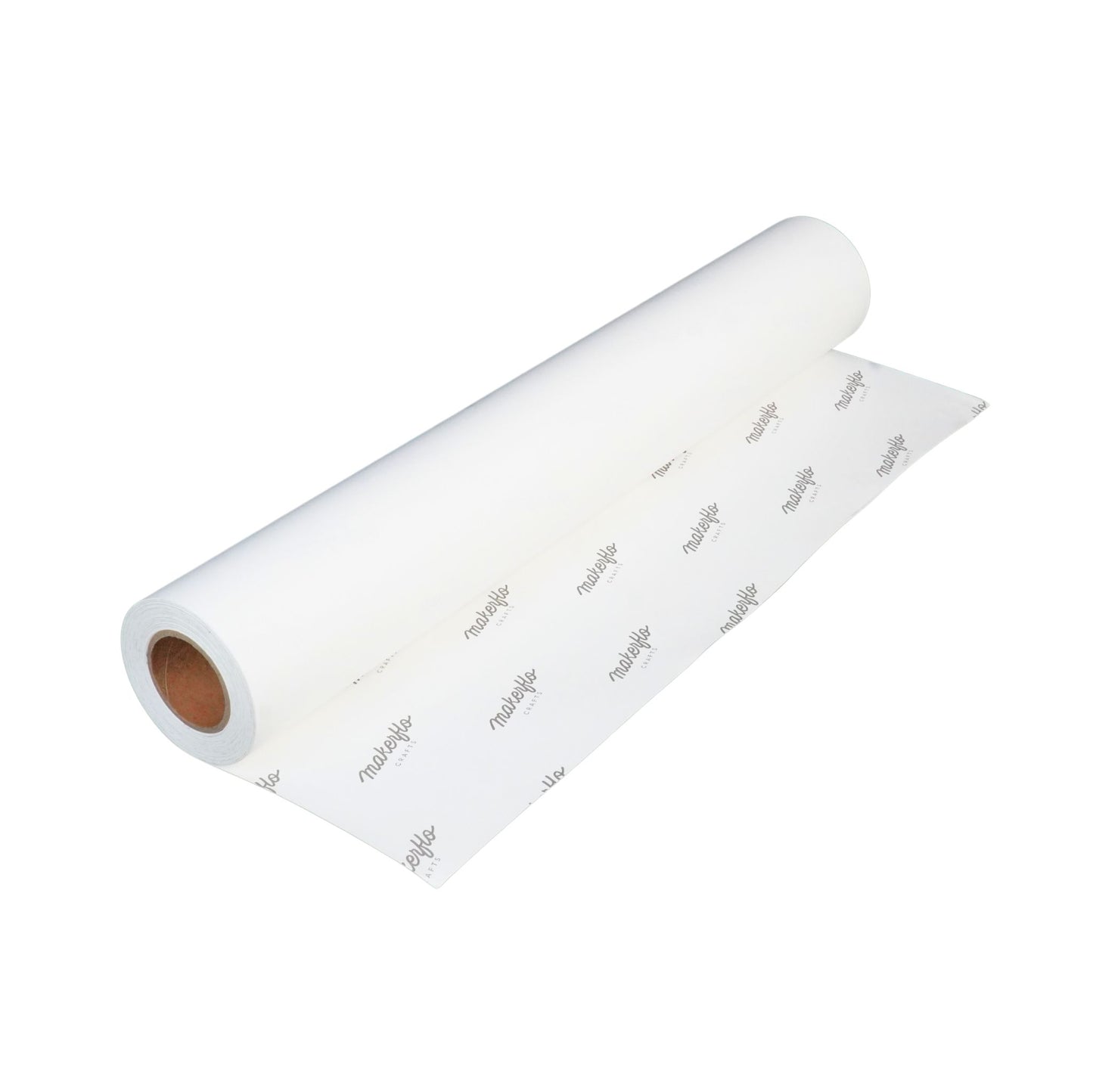
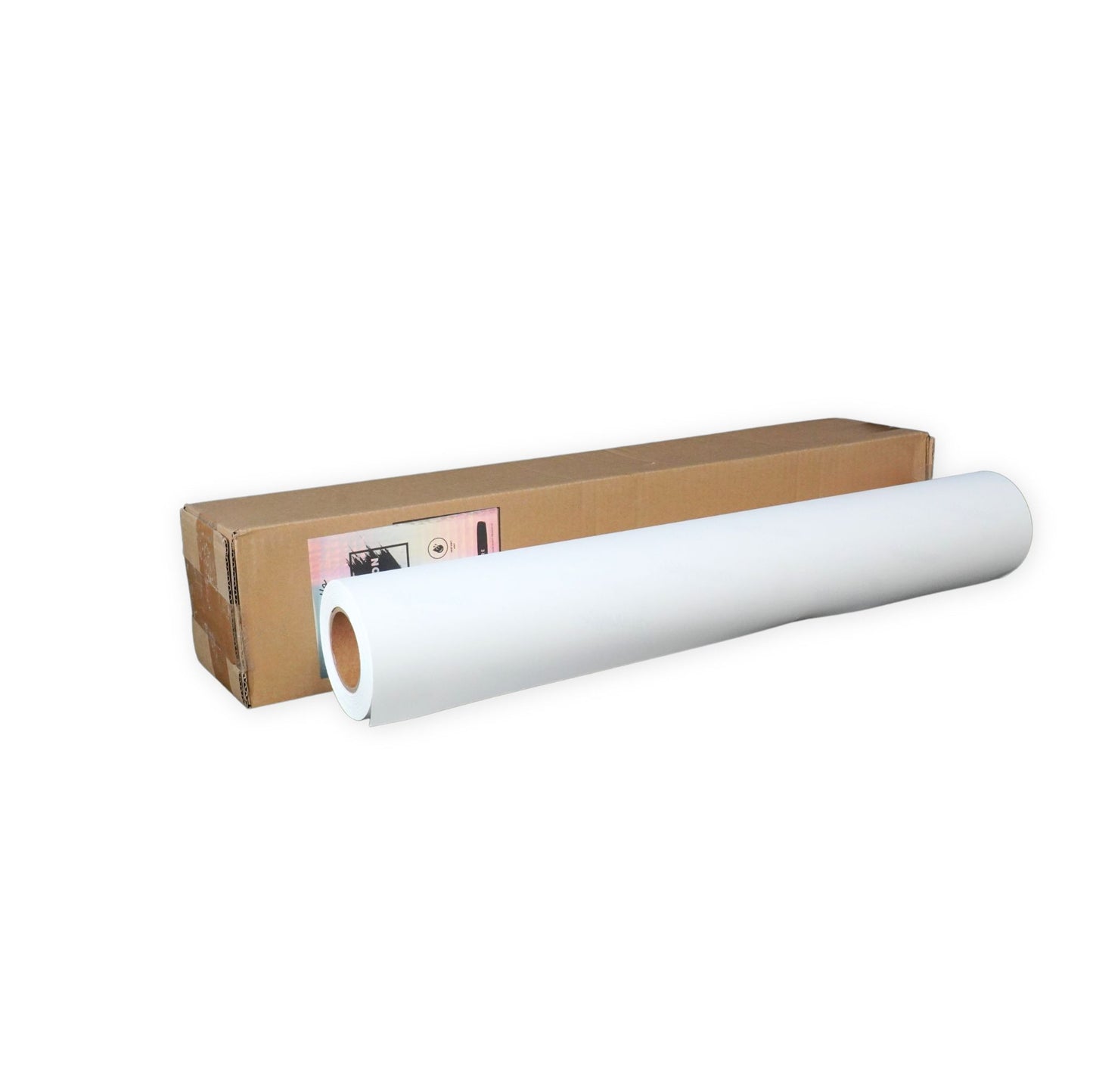
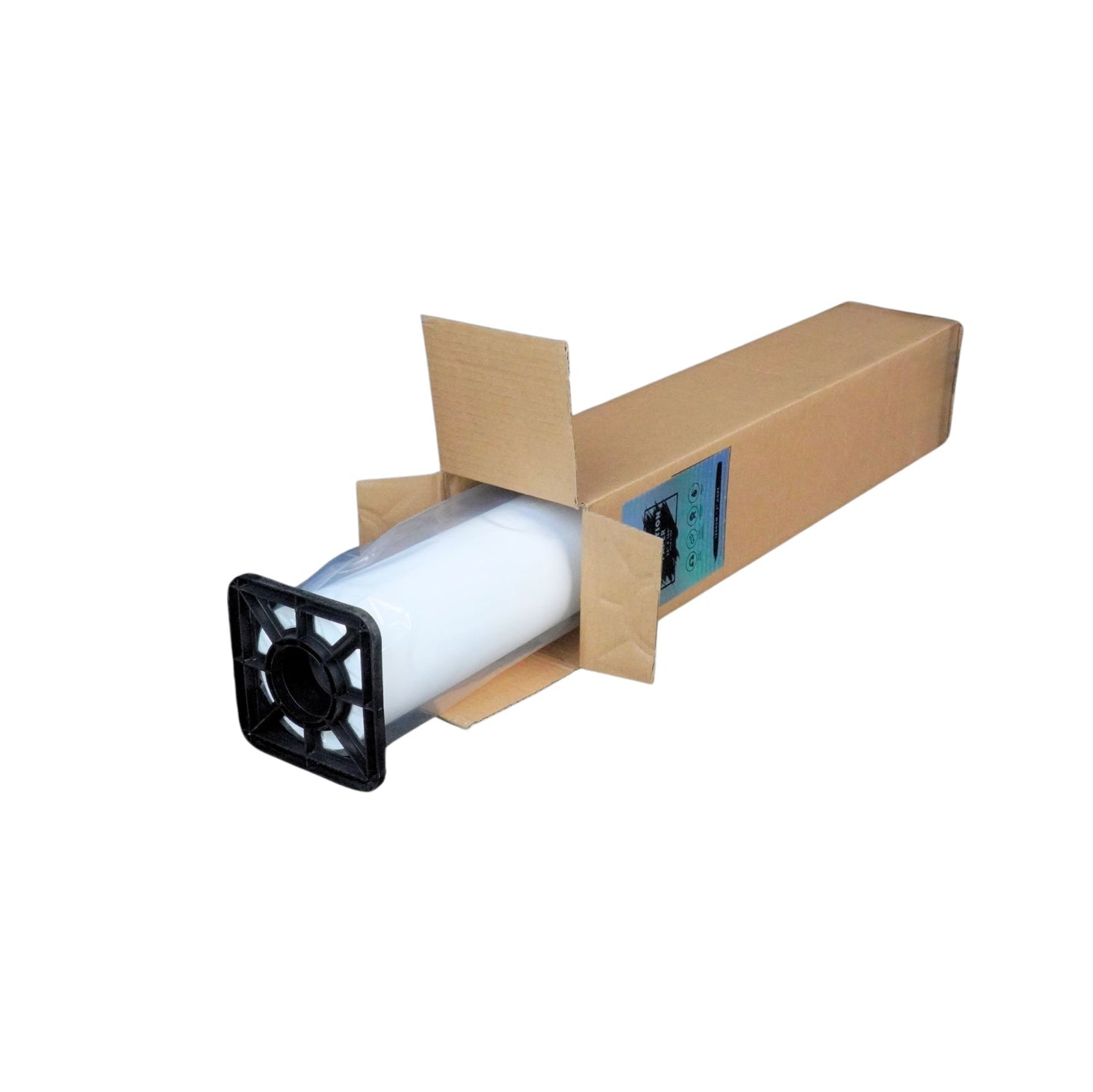
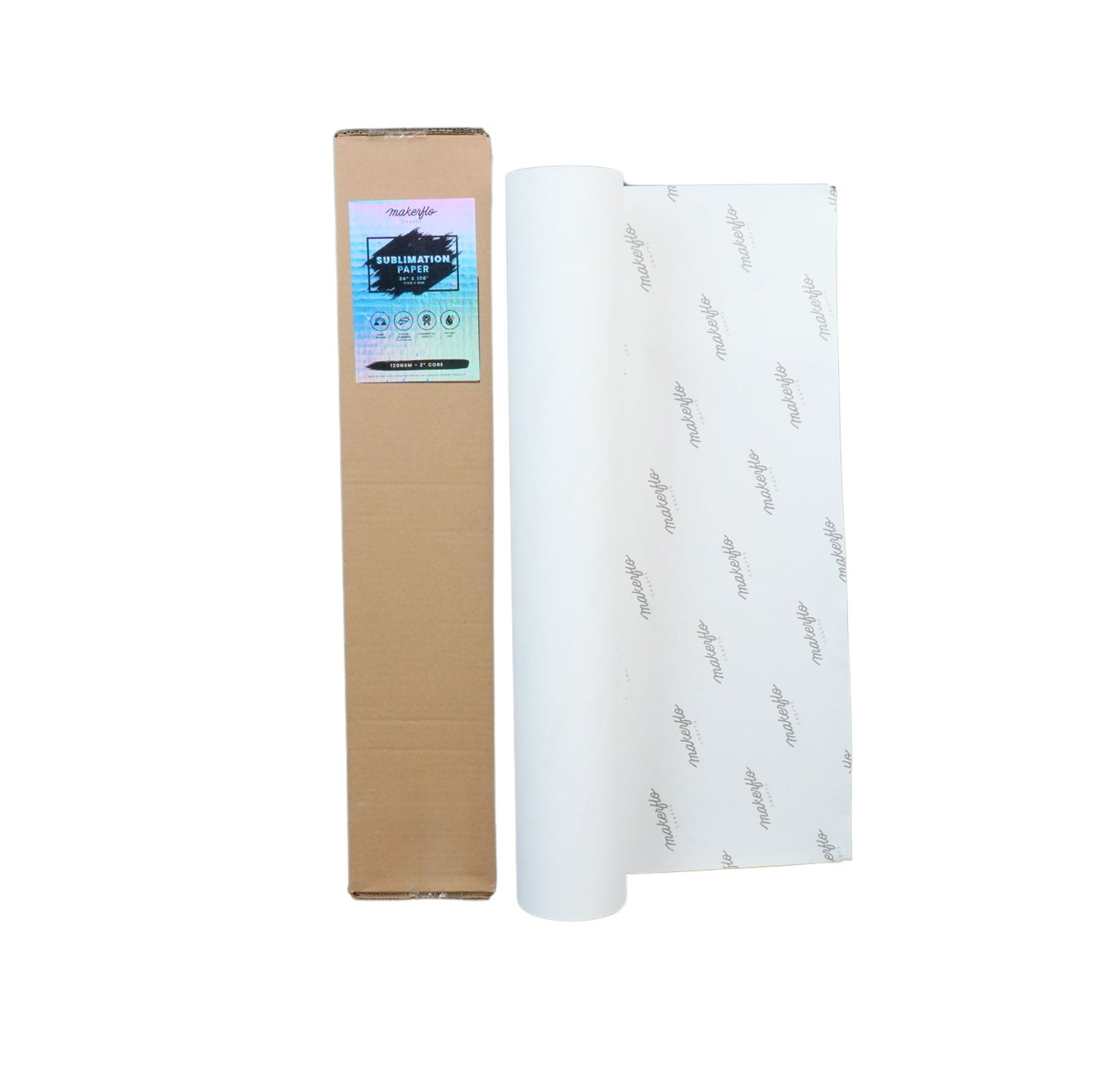
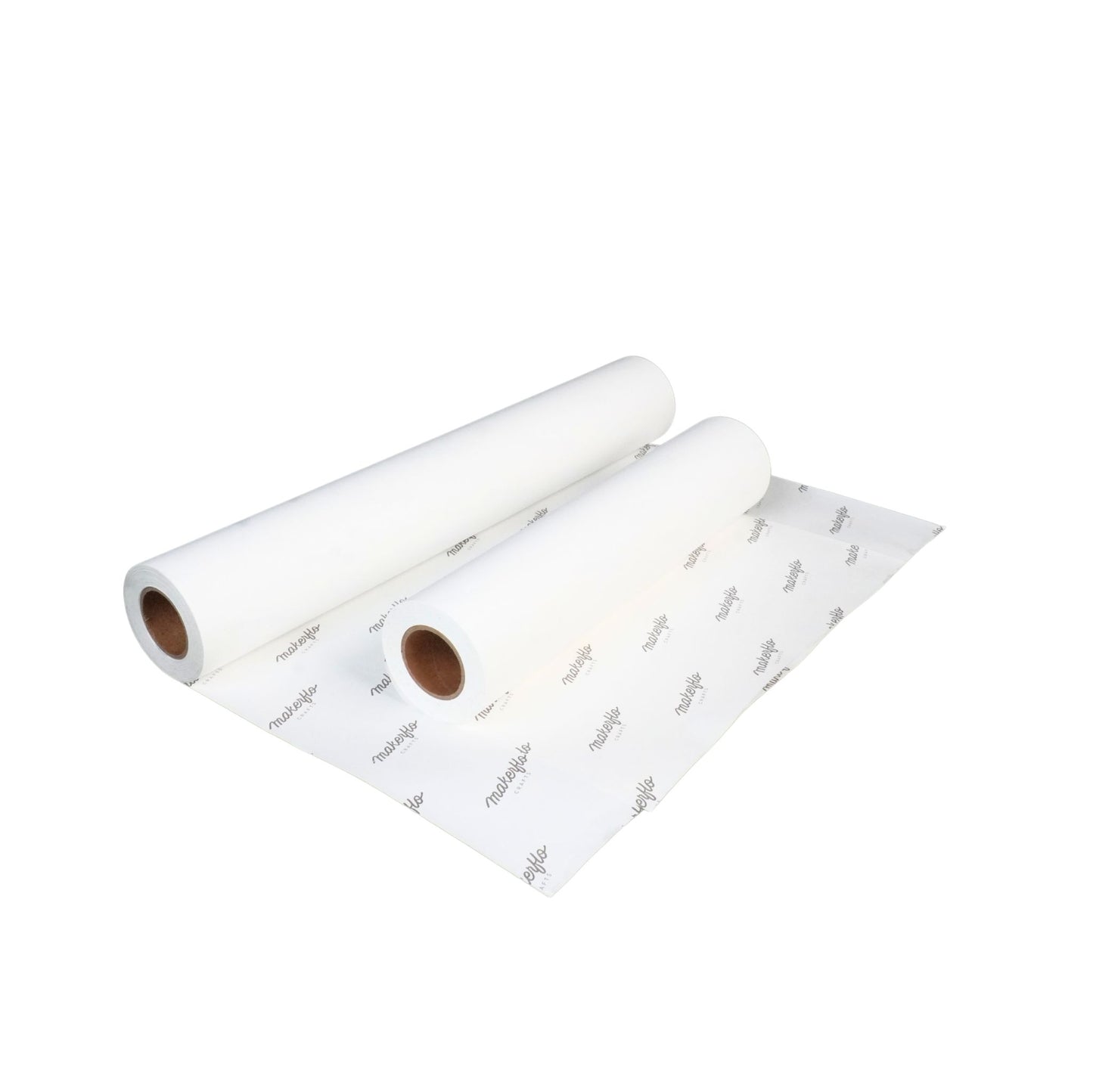
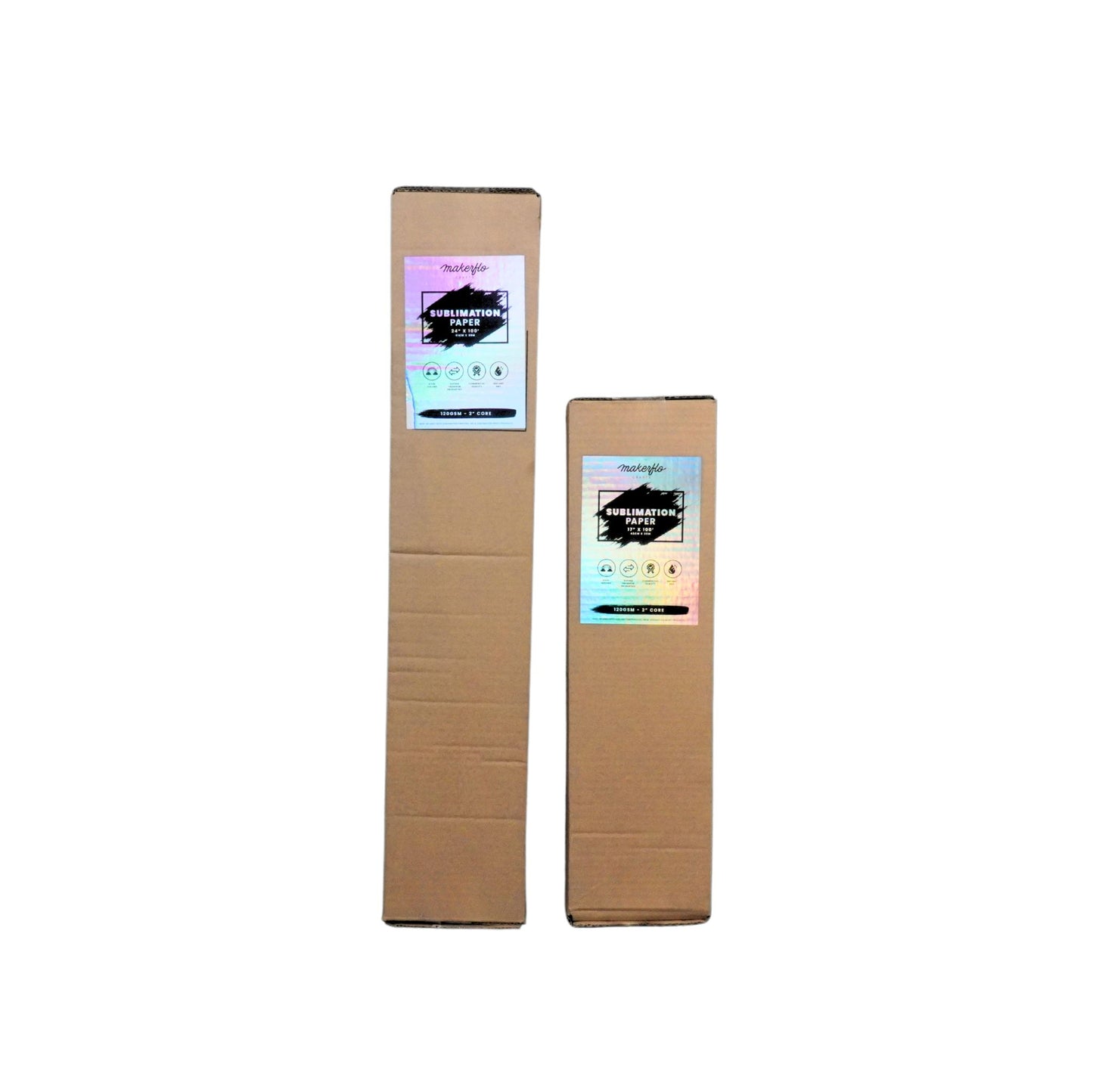
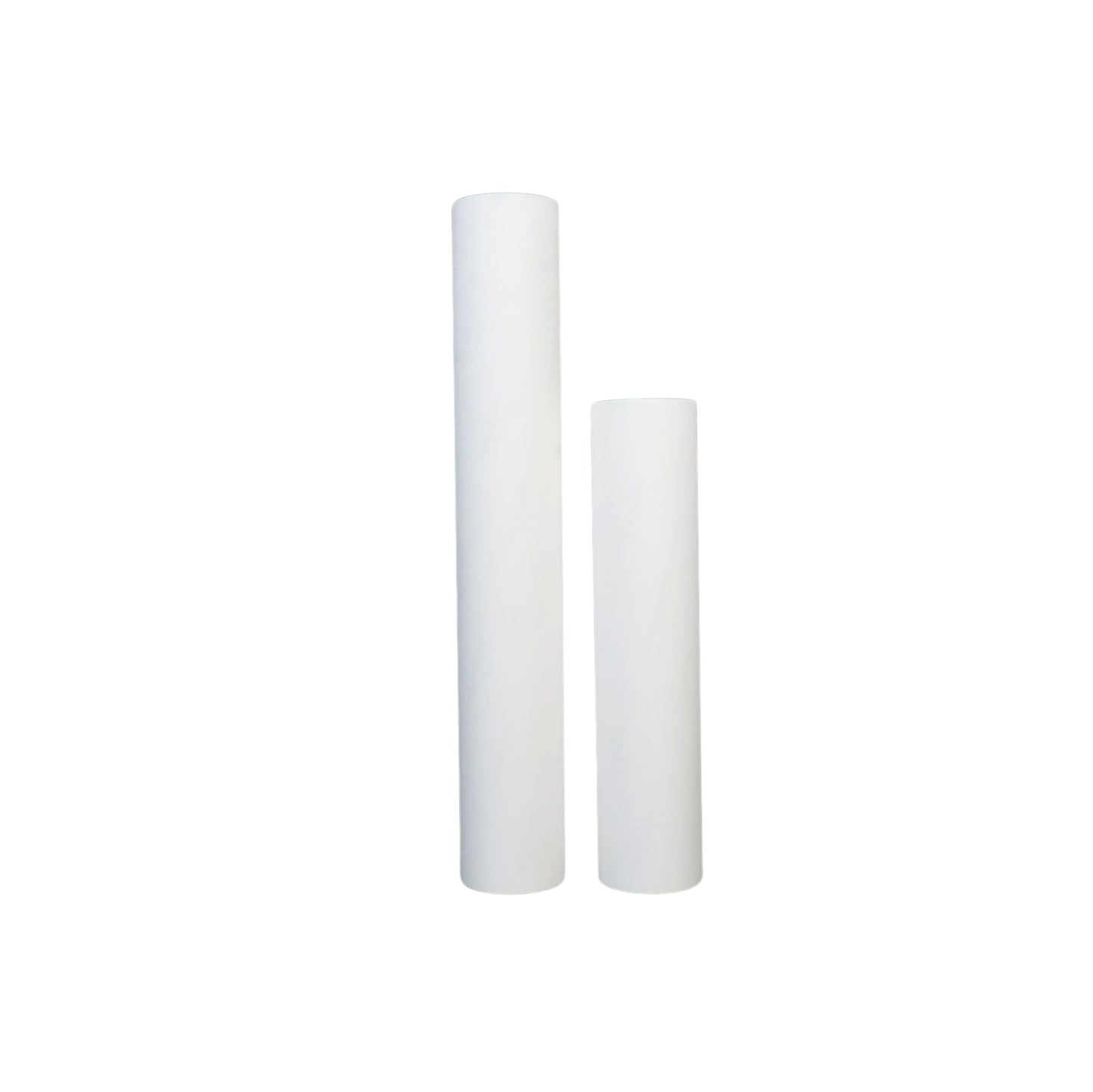
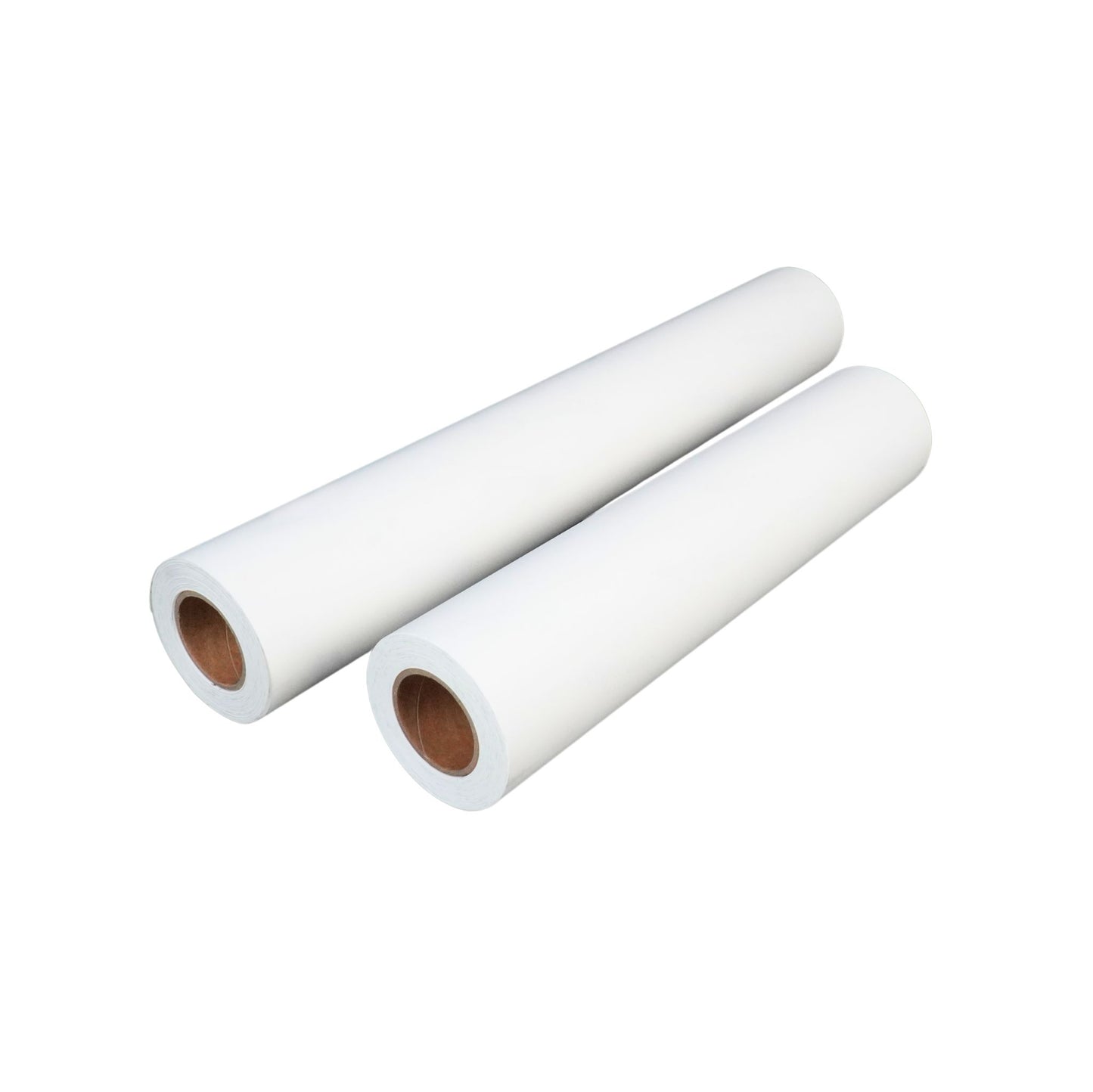
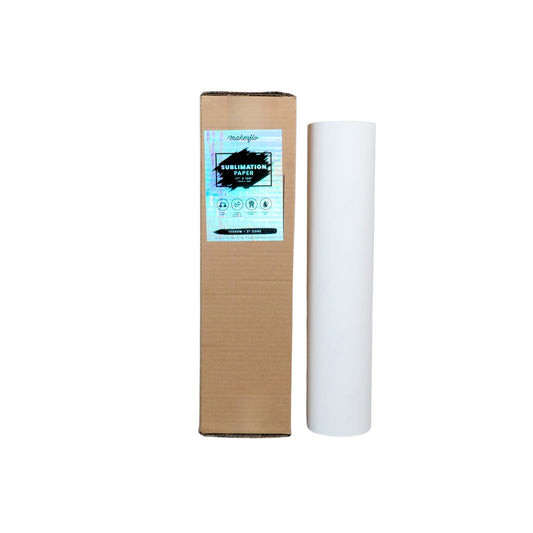
Sublimation Paper Rolls (2" core, 100 feet long)
- 17" x 100ft - Compatible with Epson F570
- 24" x 100ft - Compatible with Epson F570
Designed for smooth feeding and fast drying, this paper delivers excellent color release and sharp detail—perfect for sublimating on mugs, tumblers, apparel and more.
Compatible with Leading Sublimation Printers
- Epson EcoTank Series (ET-2720, ET-2760, ET-15000)
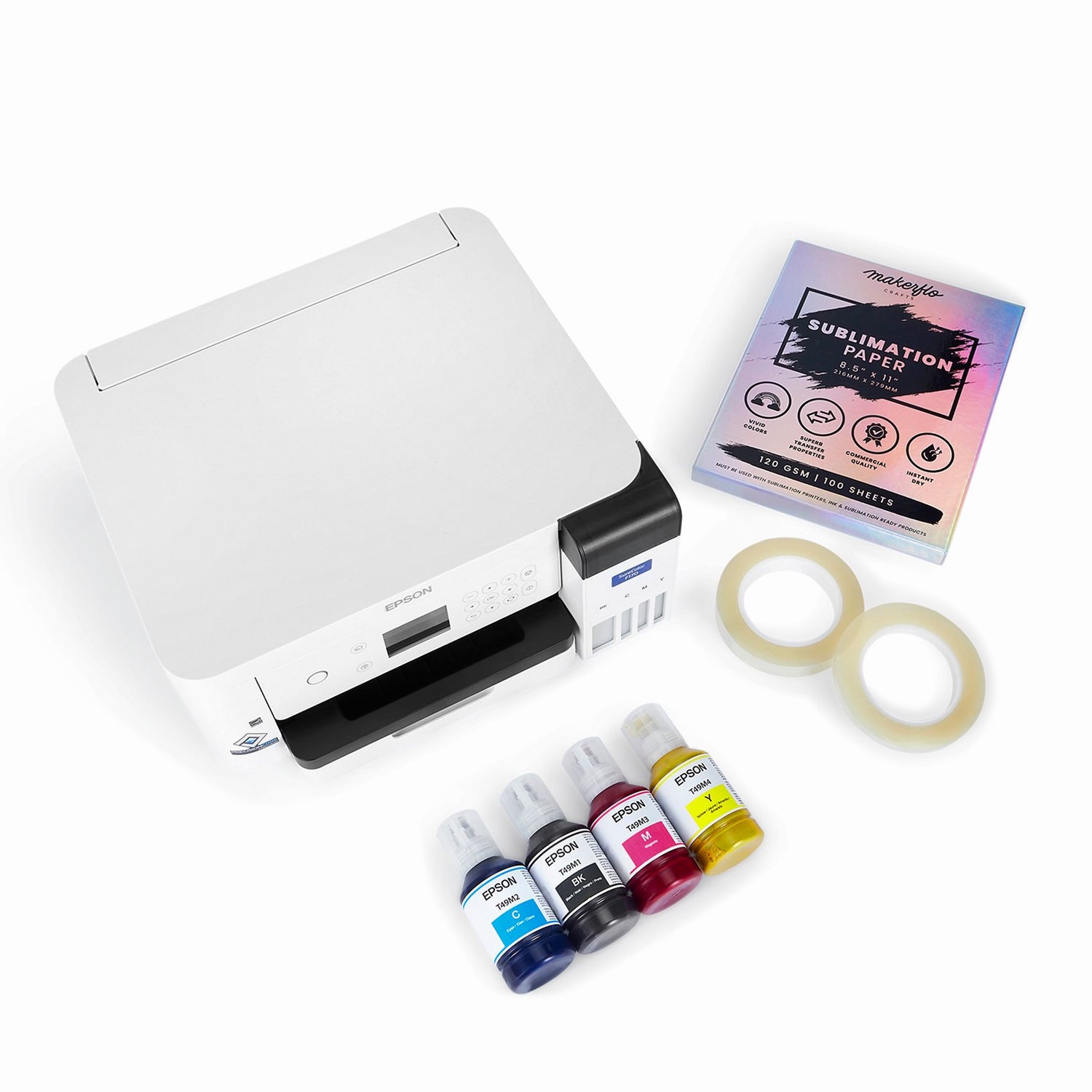
- Epson SureColor Series Epson F170 & Epson F570
- Sawgrass SG500 & SG1000
- All converted inkjet sublimation printers
Shipping & Returns
Shipping & Returns
2 Day Order Processing
All orders are processed and shipped within 2 business days. Weekend or holiday orders will begin processing the next business day. Processing times may increase during peak seasons. Same day processing is available for $10 and guarantees your order will ship within 24 business hours of being received.
Same Day Processing - $10
For $10, we offer priority fulfillment to ship your order the same day if requested by 3pm AZ Time. Orders placed after 3pm AZ Time will ship the following day. Same Day Processing fee does not include expedited shipping.
Shipping
All rates - Continental USA (Contiguous 48)
• $15.95 when spending $0-$98.99
• Free when spending $99+ (does not include UV DTF & DTF orders)
• UV DTF & DTF orders ship separately at $6.99, or free when order is over $75+
• Expedited shipping options available at checkout
Alaska, Hawaii, Territories & Military
Price will be calculated at checkout based on your location. These orders are typically only shipped via USPS.
International Shipping
Shipping & duty will be calculated at checkout based on your location. Customs clearance, taxes and duty charges are included in the calculated rate.
Track Your Shipment
A shipment confirmation with tracking information will be sent to your email once the package has been scanned in by the carrier. Oftentimes the packages are scanned late at night.
Local Pickup
Free! We are located at 6100 W Gila Springs Place Suite 13 Chandler, AZ 85226, Open hours are M-F 9AM-5PM. Customers will receive an email once the order is ready for pickup.
Returns Policy (learn more)
-
30-Day Return Policy: Request a return within 30 days of receiving your item.
-
Return Conditions:
- Item must be unused, in original condition, with tags and packaging.
- A 15% restocking fee applies to unused equipment (e.g., printers, machines).
- Return shipping will be incurred by the buyer, unless the items were incorrect or arrived damaged.
- The 30-day return window starts on the date the tracking number shows status as delivered.
10% off 10+ Sub Supplies
Save on printer ink, paper, tanks and tape when you add 10 or more to your cart
Sub Paper
MakerFlo Sublimation Paper 8.5 x 11 - 100 Sheets
$14.95
10% OFF 10+ SUB
Sub Paper
MakerFlo Sublimation Paper 8.5 x 14 - 100 Sheets
$19.95
10% OFF 10+ SUB
Sub Paper
MakerFlo Sublimation Paper 11 x 17 - 100 Sheets
$24.95
10% OFF 10+ SUB
Sub Paper
MakerFlo Sublimation Paper 17 x 100 Roll
$29.95
10% OFF 10+ SUB
Sub Paper
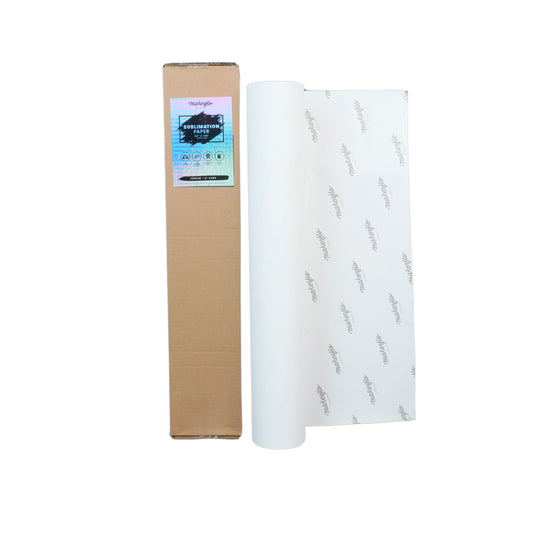
MakerFlo Sublimation Paper 24 x 100 Roll
$39.95
10% OFF 10+ SUB
Epson Sub Ink
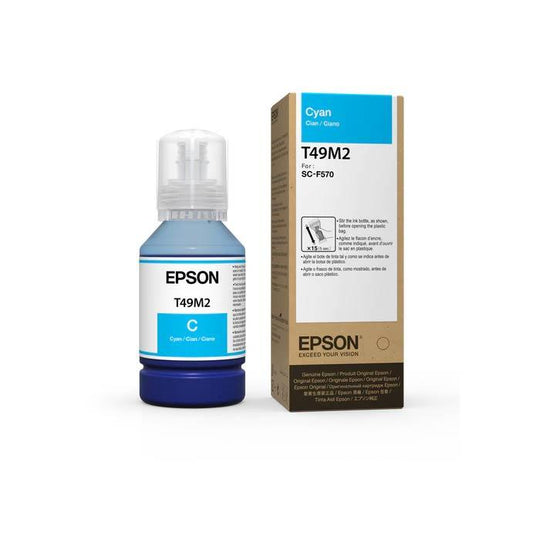
Epson Sublimation Ink Bottles - 140mL Cyan Ink - 140mL (T49M220)
$24.95
10% OFF 10+ SUB
Epson Sub Ink
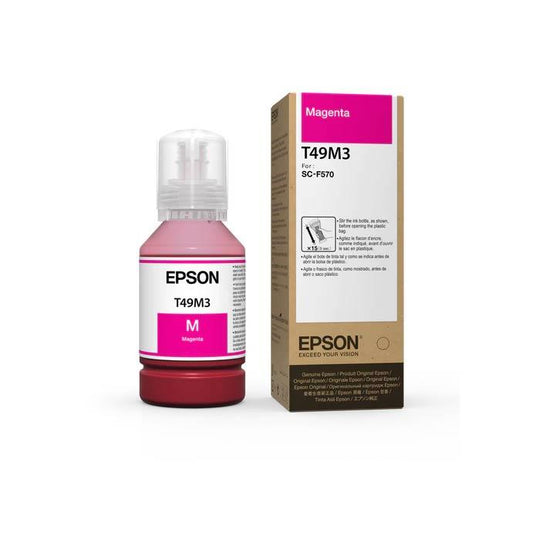
Epson Sublimation Ink Bottles - 140mL Magenta Ink - 140mL (T49M320)
$24.95
10% OFF 10+ SUB
Epson Sub Ink
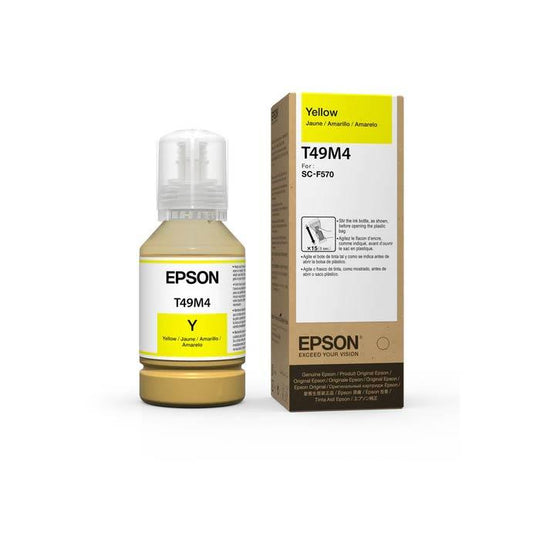
Epson Sublimation Ink Bottles - 140mL Yellow Ink - 140mL (T49M420)
$24.95
10% OFF 10+ SUB
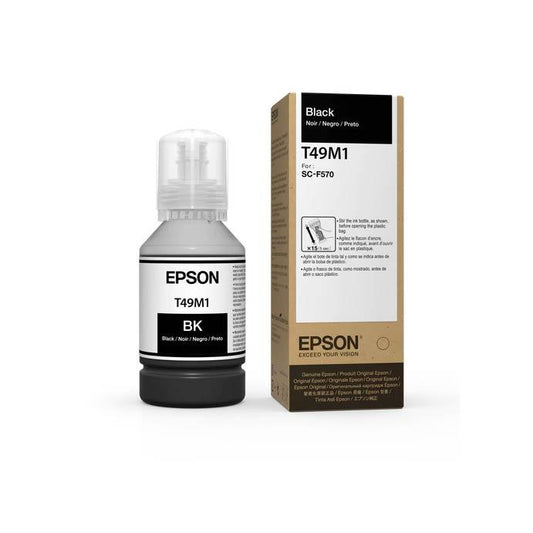
Epson Sub Ink
Epson Sublimation Ink Bottles - 140mL Black Ink - 140mL (T49M120)
$24.95
10% OFF 10+ SUB
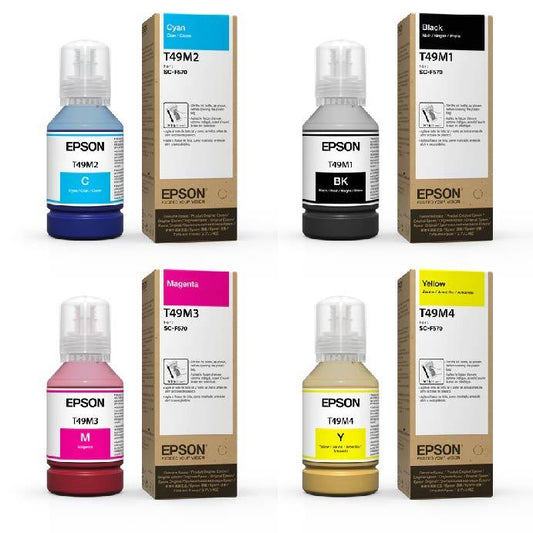
Epson Sub Ink
Epson Sublimation Ink Bottles - 140mL 4-Pack CMYK
$99.80
10% OFF 10+ SUB
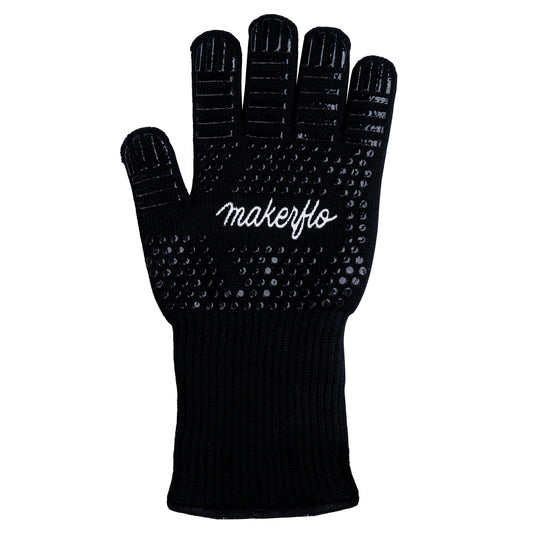
MakerFlo Heat Resistant Glove - Ambidextrous
$9.95
10% OFF 10+ SUB
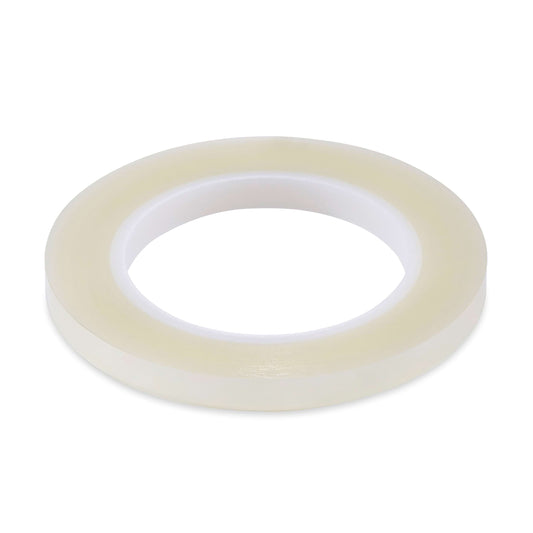
Heat Tape
Sublimation Heat Tape Skinny, 0.375 / One Roll
$3.95
10% OFF 10+ SUB
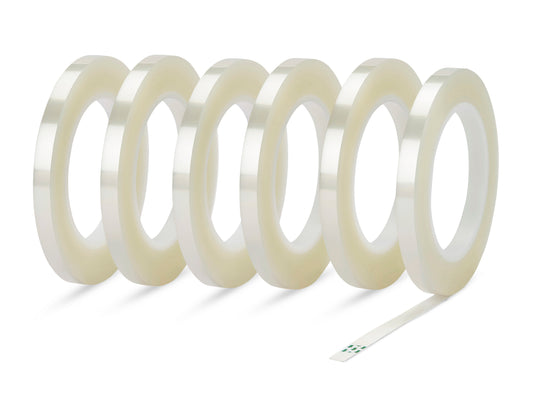
Heat Tape
Sublimation Heat Tape Skinny, 0.375 / 6 Rolls
$22.50
10% OFF 10+ SUB
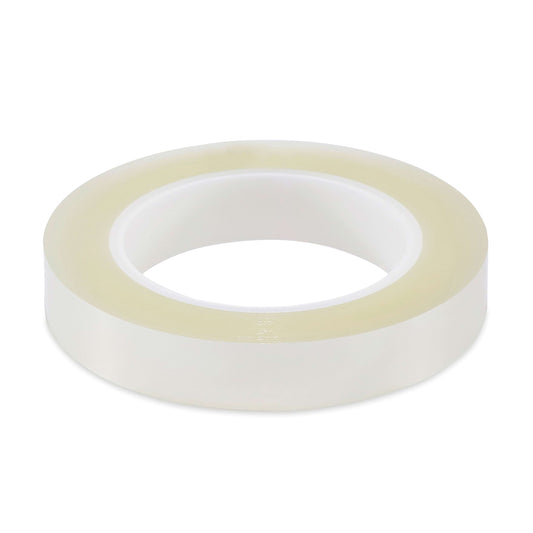
Heat Tape
Sublimation Heat Tape Wide, 0.78 / One Roll
$4.95
10% OFF 10+ SUB
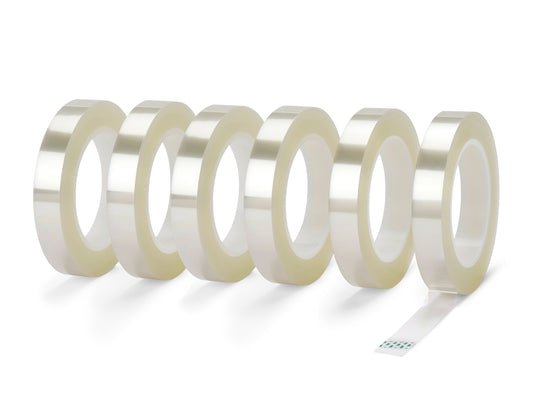
Heat Tape
Sublimation Heat Tape Wide, 0.78 / 6 Rolls
$28.22
10% OFF 10+ SUB
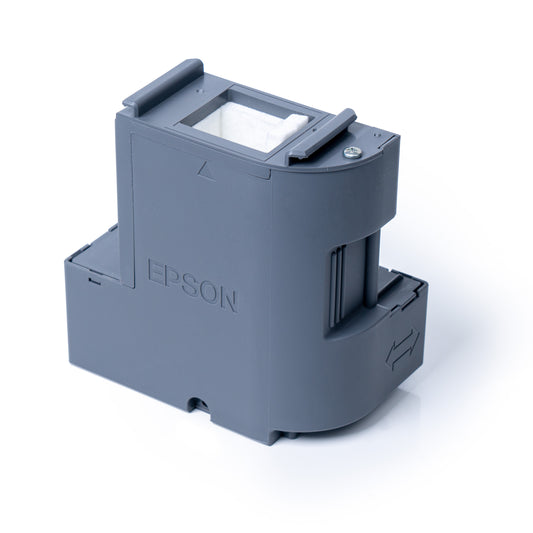
Epson® F170 Maintenance Box Replacement
$24.00
10% OFF 10+ SUB
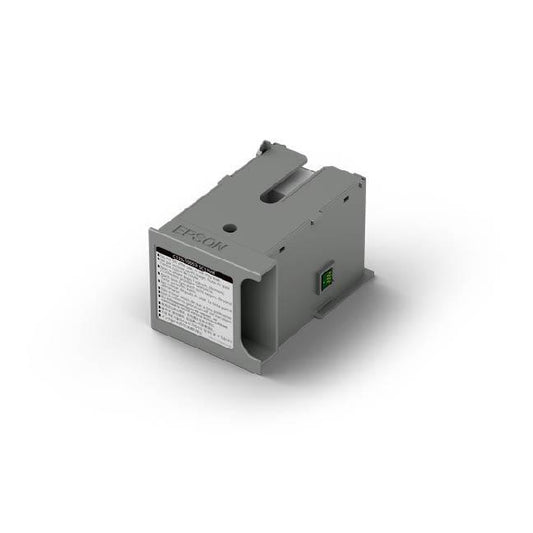
Epson F570 Maintenance Box Replacement
$46.00
10% OFF 10+ SUB
What Makes MakerFlo Sublimation Paper Different?
Unlike generic transfer papers, MakerFlo sublimation paper is specifically engineered for the sublimation process. Our microporous coating ensures maximum ink absorption while maintaining crisp detail. The result? Professional-grade transfers that rival commercial print shops.
Perfect For
- Hard Substrates: Mugs, tumblers, plates, tiles, phone cases
- Soft Substrates: Polyester t-shirts, mouse pads, tote bags
- Mixed Media: Aluminum panels, ceramic ornaments, acrylic keychains
Versatile Options for Every Sublimation Need
Choose from four convenient sheet sizes—8.5 x 11, 8.5 x 14, 11 x 17, and 13 x 19—each packed in a box of 100 sheets, ideal for use with flat heat presses and inkjet sublimation printers. For larger or continuous jobs, our sublimation roll paper is available in 17 in and 24 in widths, featuring a 2-inch core for compatibility with roll-fed sublimation printers like the Epson SureColor F570.
Precision Transfer for Sublimation Blanks
Designed specifically for sublimation printing, MakerFlo sublimation paper works beautifully on light-colored, sublimation-coated hard surfaces and fabrics. Whether you're customizing tumblers, mugs, shirts, or mouse pads, this paper ensures sharp detail and brilliant color with each press. Just pair with sublimation ink and a heat press machine for long-lasting, professional-quality results.
Frequently Asked Questions
Q: What's the difference between sublimation paper and regular paper?
A: Sublimation paper has a special polymer coating that holds sublimation ink and releases it when heated, while regular paper absorbs ink and won't transfer properly.
Q: Can I use this sublimation paper with my Epson F570?
A: Yes! Our roll paper is specifically designed for the Epson F570 and other roll-fed sublimation printers.
Q: Which side do I print on?
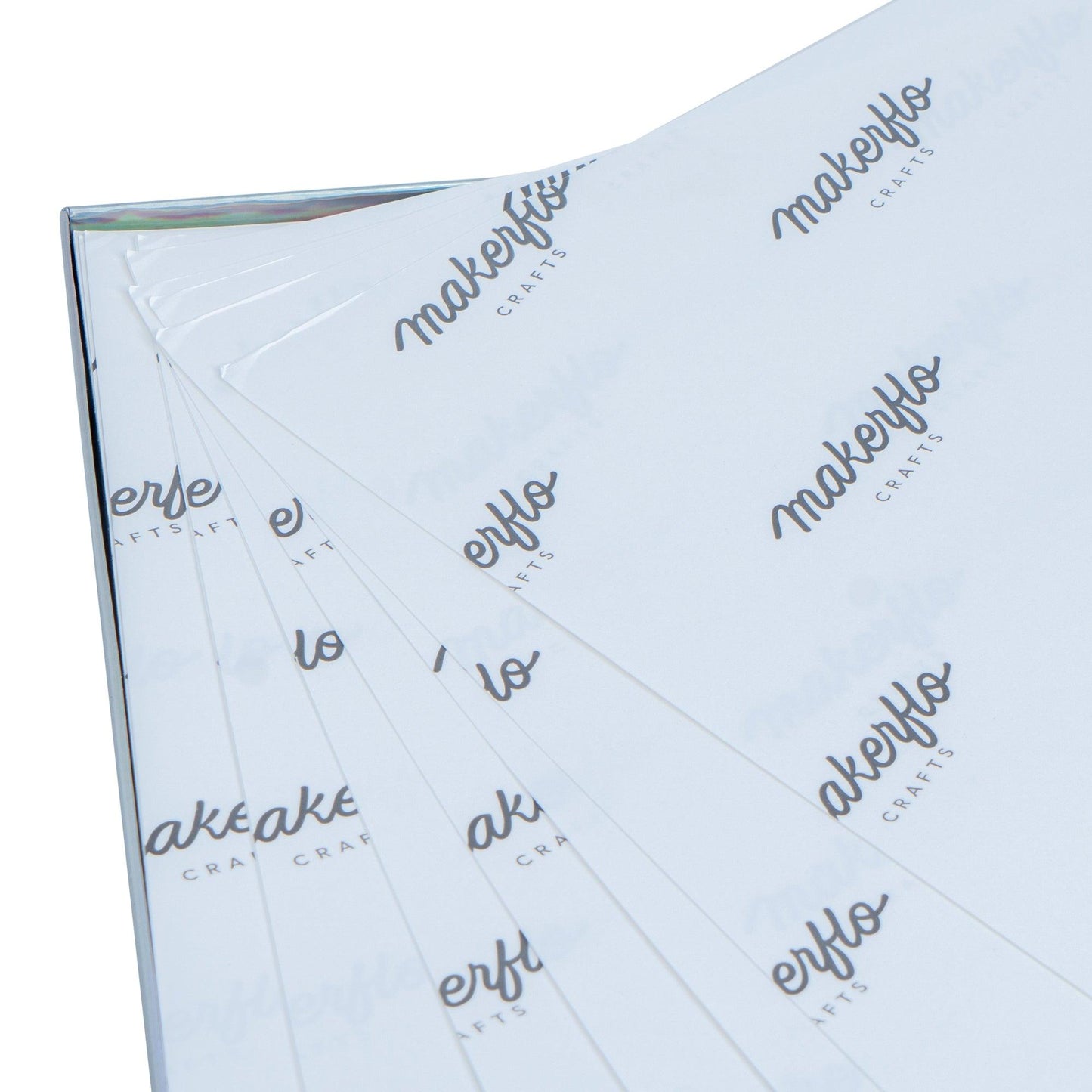
A: Print on the bright white side - our paper features an easy-to-identify coating that shows the correct printing surface.
Q: What heat press settings should I use?
A: We recommend 385-400°F for 45-60 seconds with medium pressure. Always refer to your specific substrate's requirements.
Q: Does this work with regular inkjet printers?
A: No, sublimation paper requires sublimation ink and a compatible printer. Regular inkjet ink will not transfer properly.
Overall rating: 4.948087 / 5 from 366 reviews.
AI Generated Review Summary
MakerFlo Sublimation Paper 120GSM offers high-quality, fast-drying sheets and rolls for sublimation printing. Customers praise its smooth performance, vibrant color output, and compatibility with leading sublimation printers. The results are reported to be amazing, with great ink release and vivid colors.
Summary topics
- Paper Quality: 55%
- Ink Release: 2%
- Ink Transfer: 4%
- Sublimation Results: 4%
- Color Output: 23%
Review topics: ["color","look","weight","price","quality","customer service","results","issues","shipping","paper","printer","tumblers","order","images","use","come","transfer","ordering","work","residue"].
Review highlights
- "Great quality paper great shipping just love MakerFlo great company!" —
- "Sublimation is soooo easy and nice with this high quality paper!!" —
- "Love the paper fast shipping great customer service" —
Reviews
Very vivid color. Nice and
"Very vivid color. Nice and thick so easy to position"
Sublimation Paper
"I have used other sublimation paper in the past but this is hands down the BEST!!! Colors are vibrant!! I love it!"
Best Sublimation Paper
"The Makerflo sublimation is by far the best paper I’ve used. The colors are bright and the detail prints out sharply."
Great paper
"The paper was amazing all the color transferred perfectly"
Sublimation paper
"Great paper. . . . really like the quality it provides"
sub paper
"one of the best I have ever used"
Best
"This is the best sublimation paper I've ever used."
This paper is amazing 🤩
"This paper is amazing 🤩 will be back again and again and again"
Best we've used
"Much better sub paper than we have used for lots of other vendors. Paper is heavier, causing the ink to be bolder / brighter."
Q&A
- Is this hot peel or cold peel
- Hello, Kyle! It can be either or. However, we recommend removing the sublimation paper when hot or warm for easier removal.
- Do you need to use butcher paper along with these MakerFlo 8.5" x 11" Sublimation Sheets (100 count) when transferring a printed design to any medium?
- Hey, No you do not need butcher paper.
- Do you need to use butcher paper with these sheets?
- Hey, What sheets are you referring to?
- Can I use your sublimation paper with a heat press? What temp setting? Thanks
- Jhenie, Yes you can use our paper in a press. The time and temp will depend on what kind of product you are sublimating, but our paper will withstand a high time and temp.
- I have the Epson SC170 how can I use the wider paper in machine?
- Hey Deanna, The Epson F170 takes up to 8.5"x14" inch sheets. It will not do any wider than that. Sorry about that.